

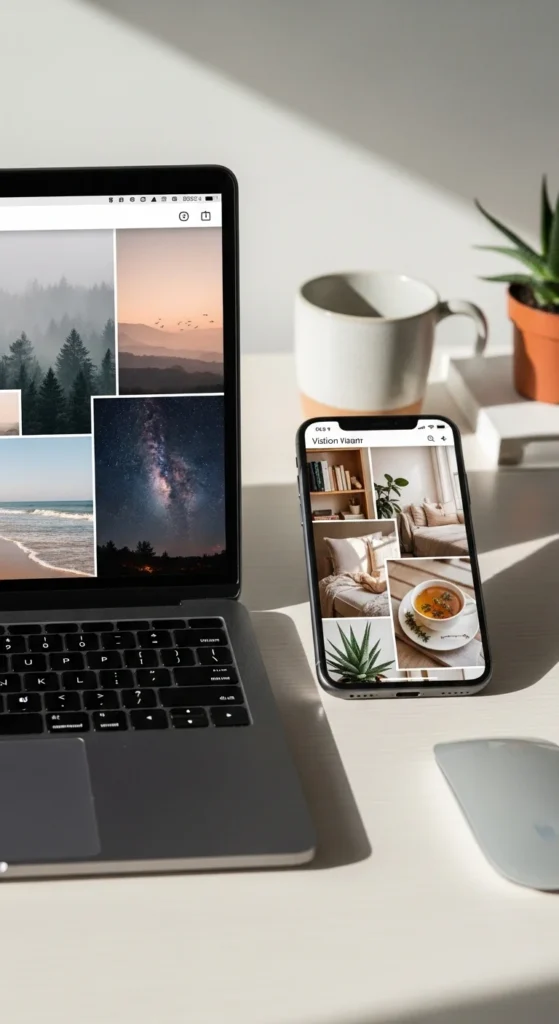
Digital vision boards fit real life. Your phone and laptop are already part of your daily rhythm, so your goals stay close without extra effort. People search for digital vision board ideas because they want something flexible, portable, and easy to update. Digital boards remove clutter and cost almost nothing. You can adjust them anytime, save multiple versions, and keep them private. The ideas below focus on clear visuals, simple tools, and realistic habits. Each one works with devices you already use and helps keep attention steady throughout the day.
1. Lock Screen Focus Board
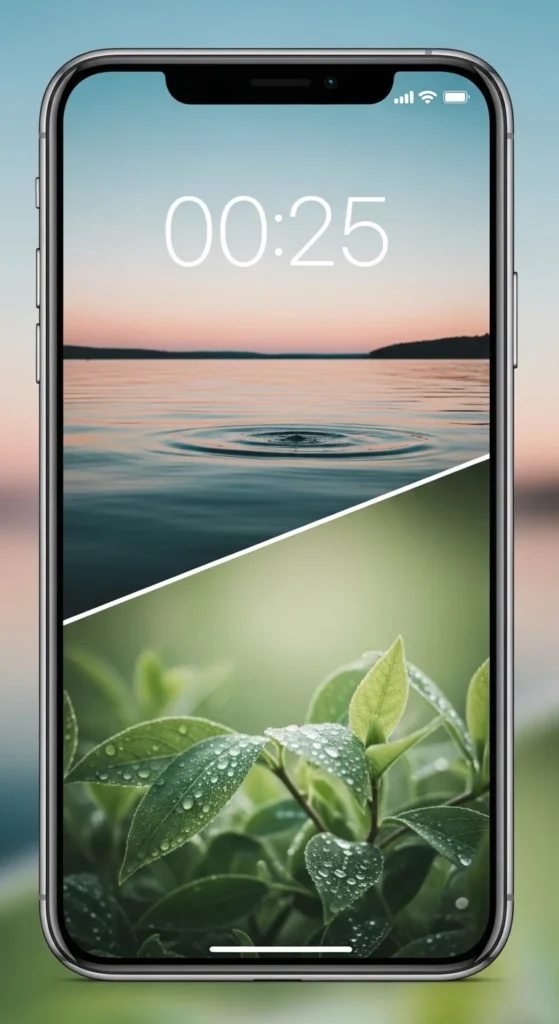
Your lock screen appears dozens of times a day. That makes it a strong place for visual focus.
Choose one or two calm images. Nothing busy. Nothing loud.
Use free photo apps or your gallery. Crop images to fit the screen cleanly.
This board works best with simple visuals. Nature. Light. Clean rooms.
Update it monthly to match your current priority.
2. Laptop Desktop Background Board
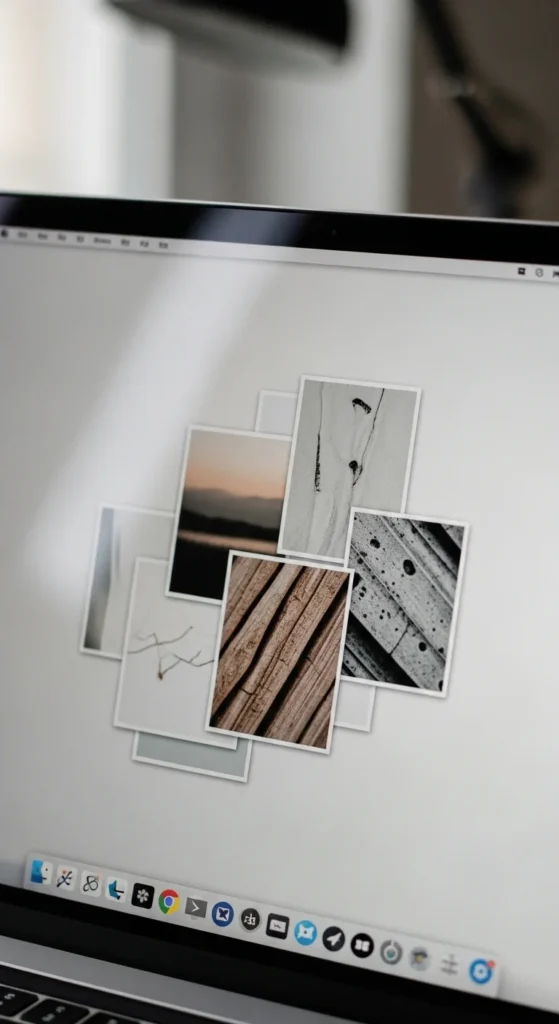
Your desktop background sets the tone for work sessions.
Use one main image or a light collage. Keep icons minimal.
Free wallpaper apps work well here.
This board keeps focus steady during long screen time.
3. Phone Home Screen Folder Board
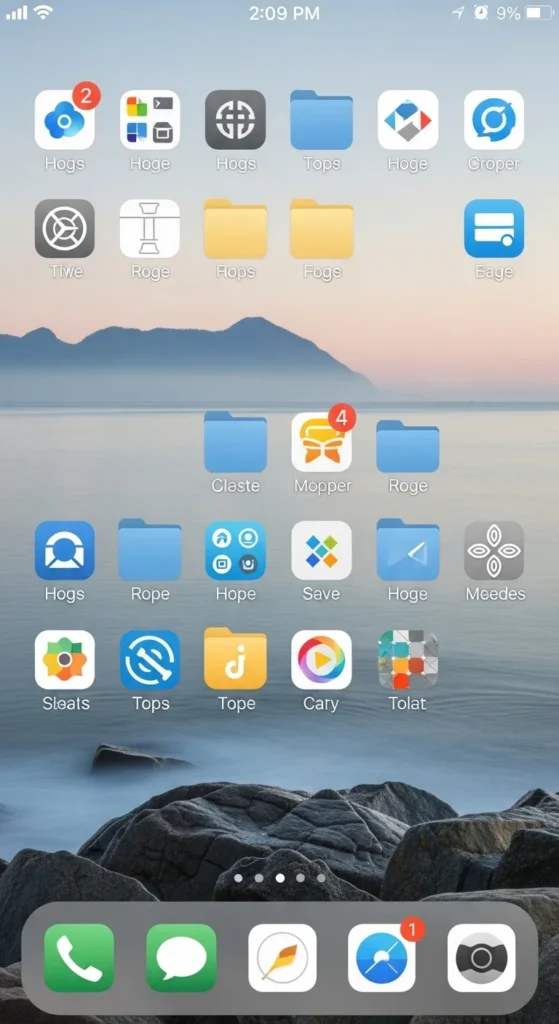
Use a background image that reflects calm or direction.
Group apps neatly. Fewer folders help clarity.
This setup reduces visual overload.
4. Pinterest Private Board
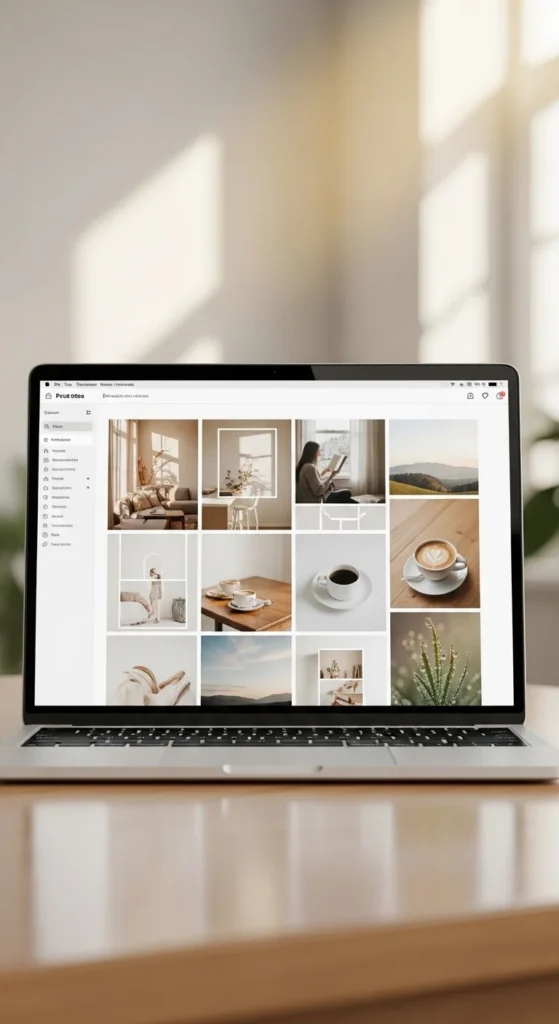
Private boards keep ideas focused.
Save only images that match your current goals.
Review weekly and remove anything distracting.
5. Notes App Image Board
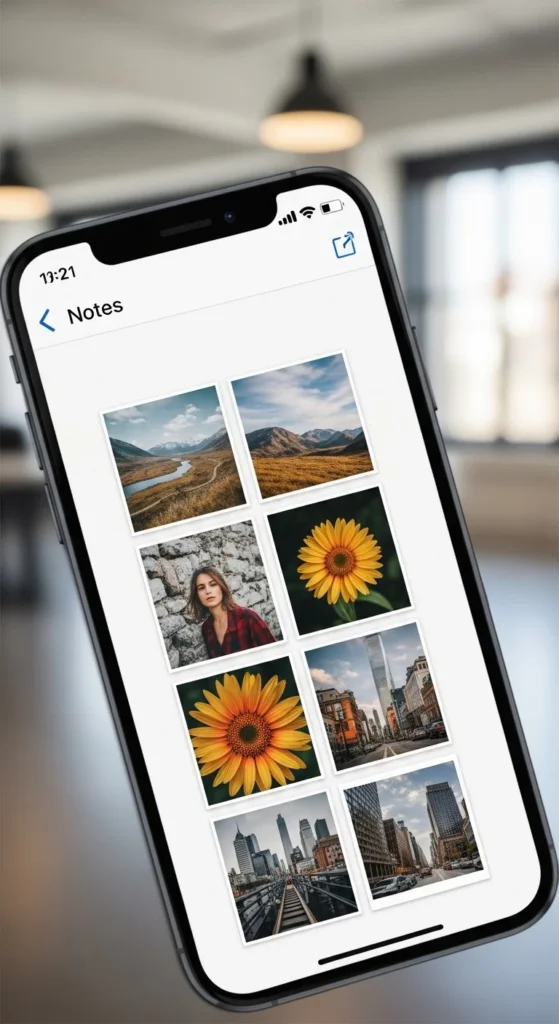
Most phones allow image notes.
Create one note per goal.
Add images only. Skip writing.
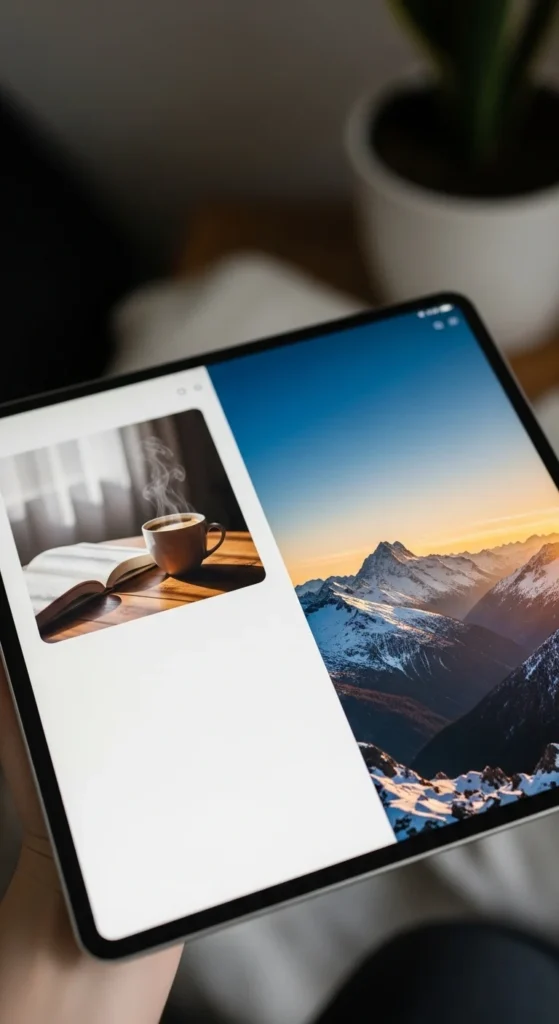
6. Tablet Split-Screen Board
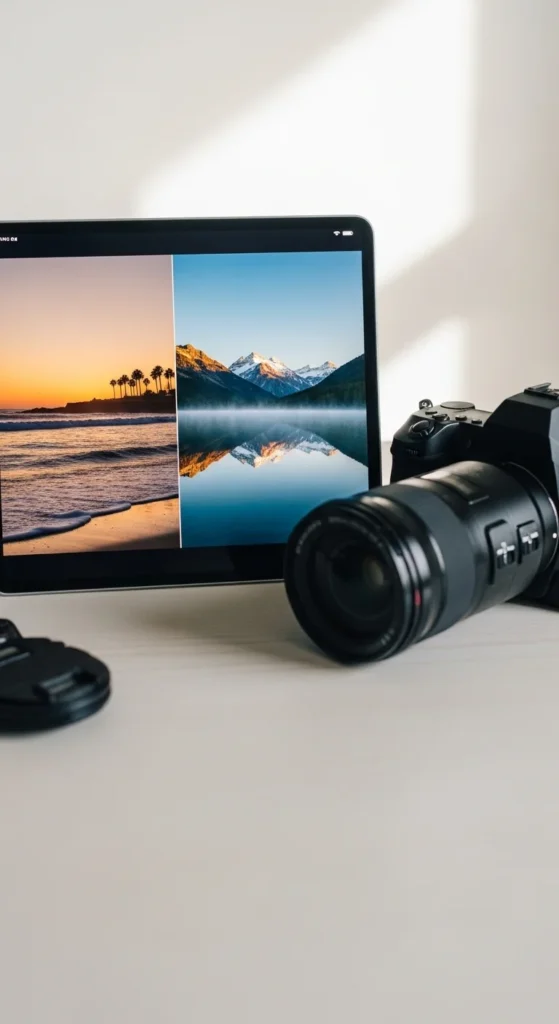
Split screens help compare priorities.
Use one side for work focus. One for rest.
7. Calendar Wallpaper Board
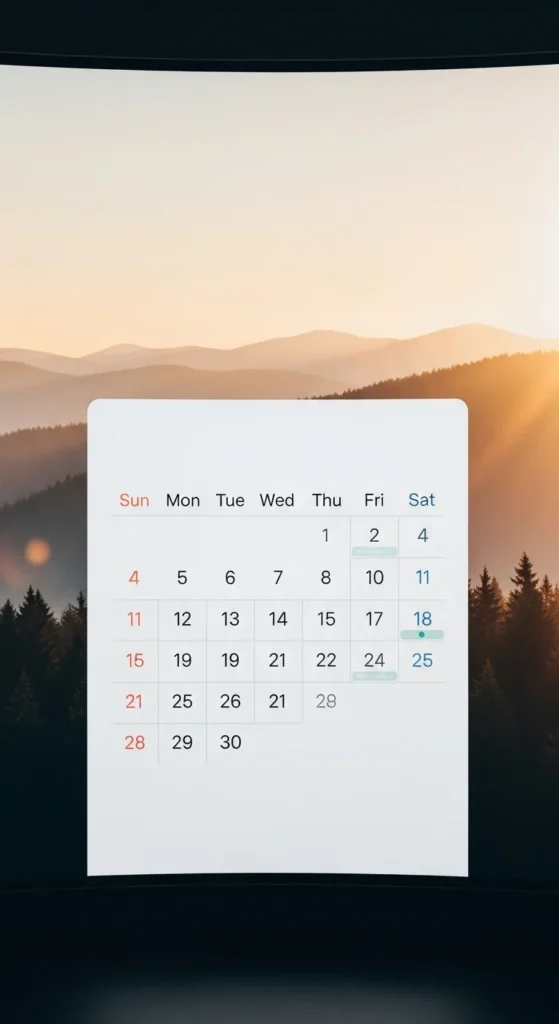
Use an image as your calendar background.
It keeps goals visible without effort.
8. Photo Album Vision Board
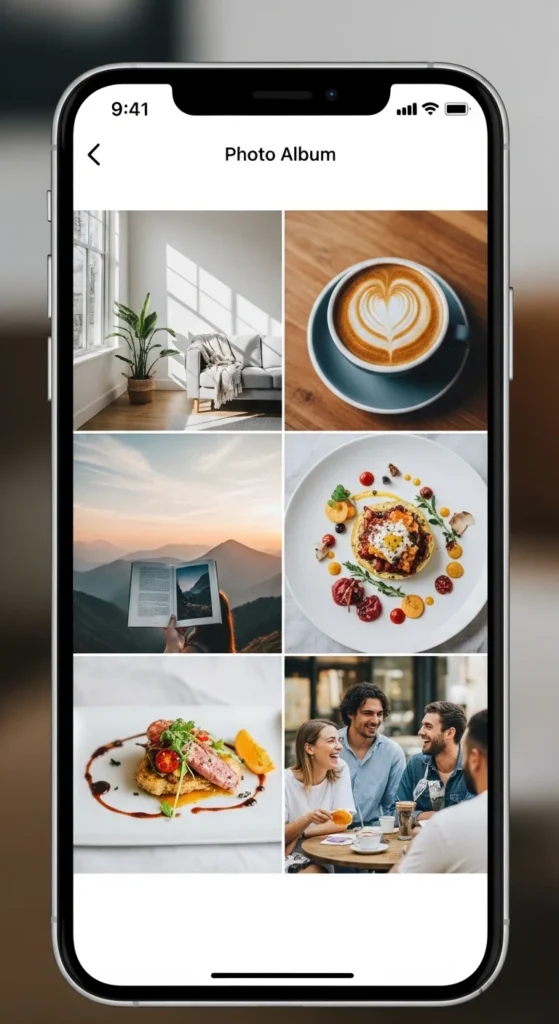
Create a dedicated album.
Scroll through it when focus drifts.
9. Daily Reminder Image Board
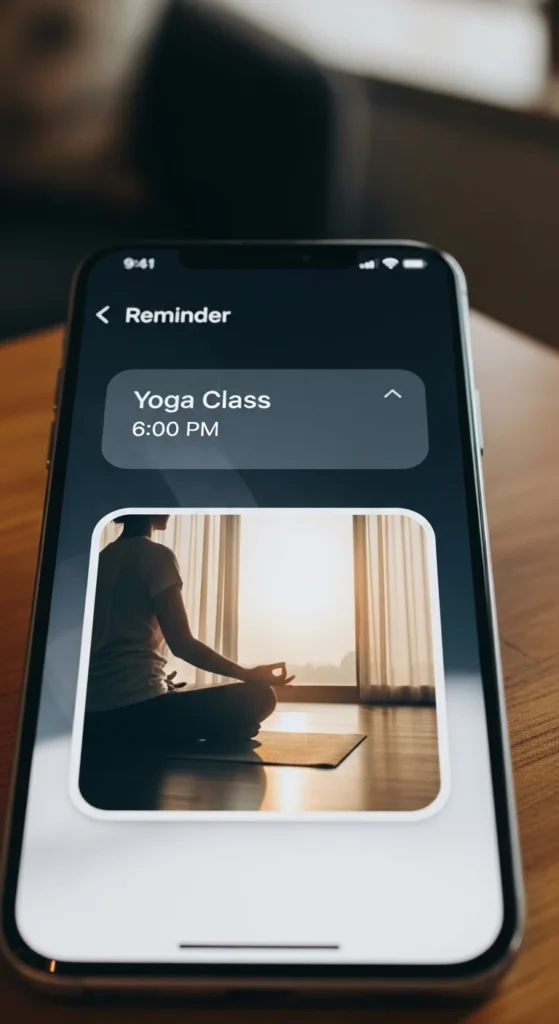
Attach images to reminders.
Visual cues work quietly.
10. Screensaver Vision Board
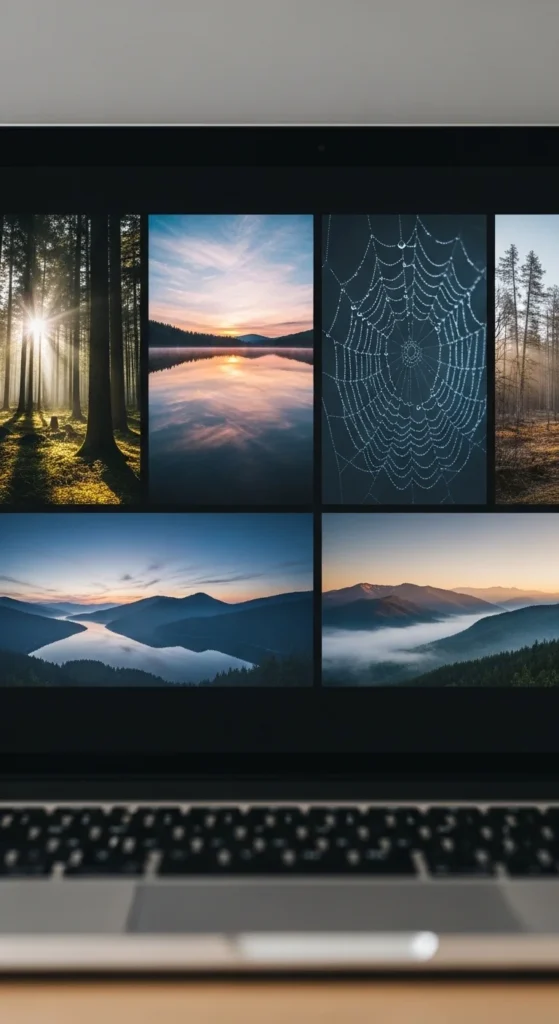
Screensavers show up during breaks.
Choose slow, calming visuals.
11. Minimal Widget Board
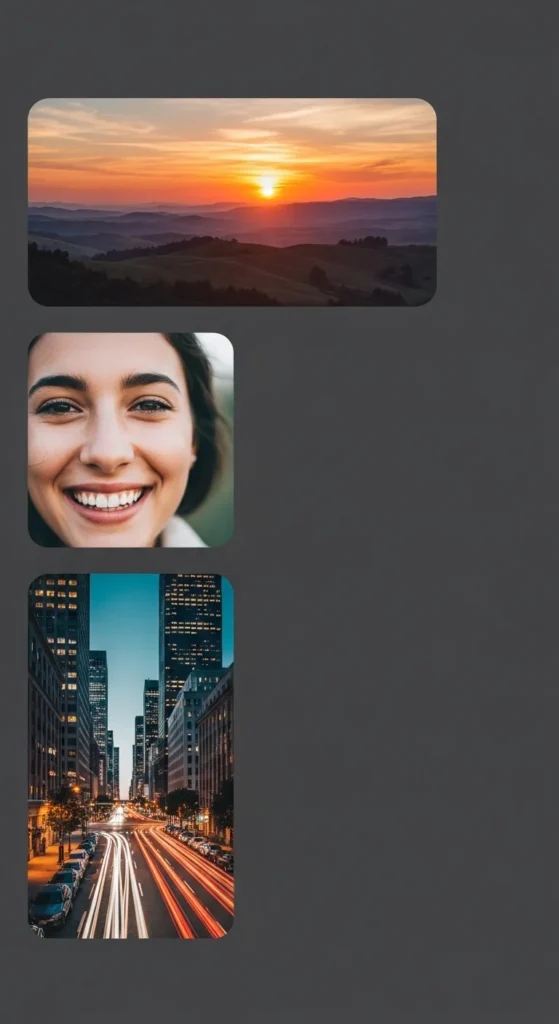
Widgets keep images visible.
Use one or two only.
12. Cloud Folder Vision Board
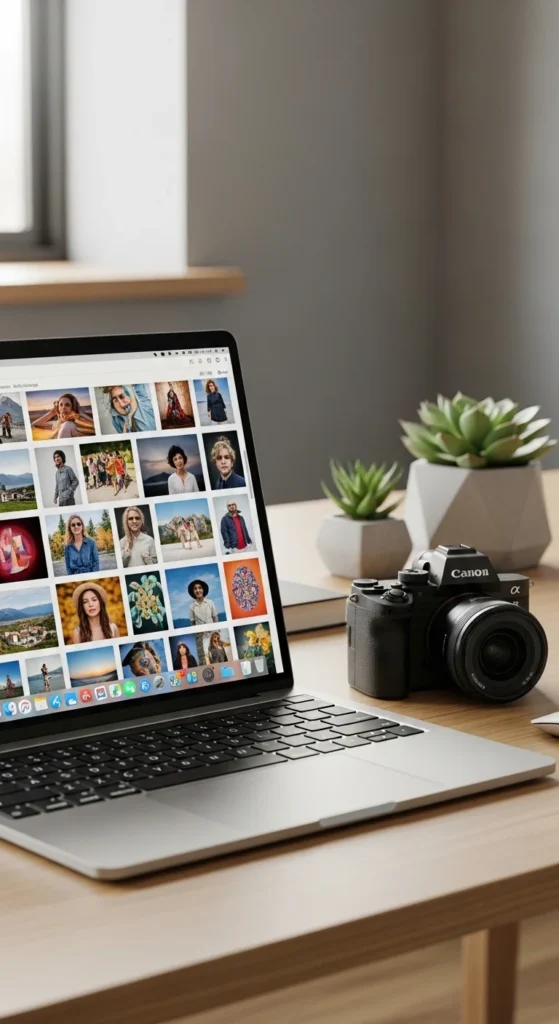
Cloud folders sync across devices.
Easy to update anywhere.
13. Digital Sticky Note Image Board
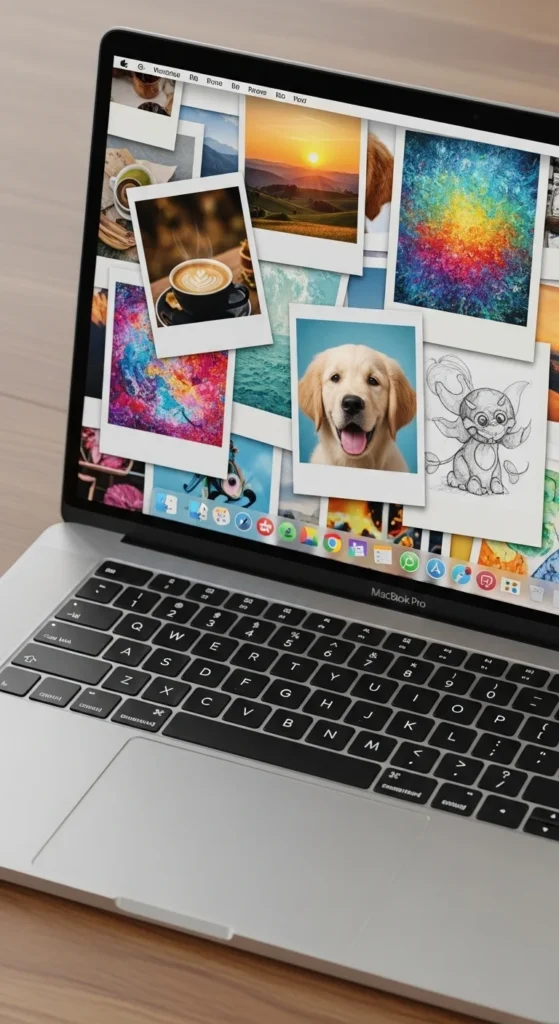
Use image-only notes.
Place them on the screen edge.
14. Mood-Based Folder Board
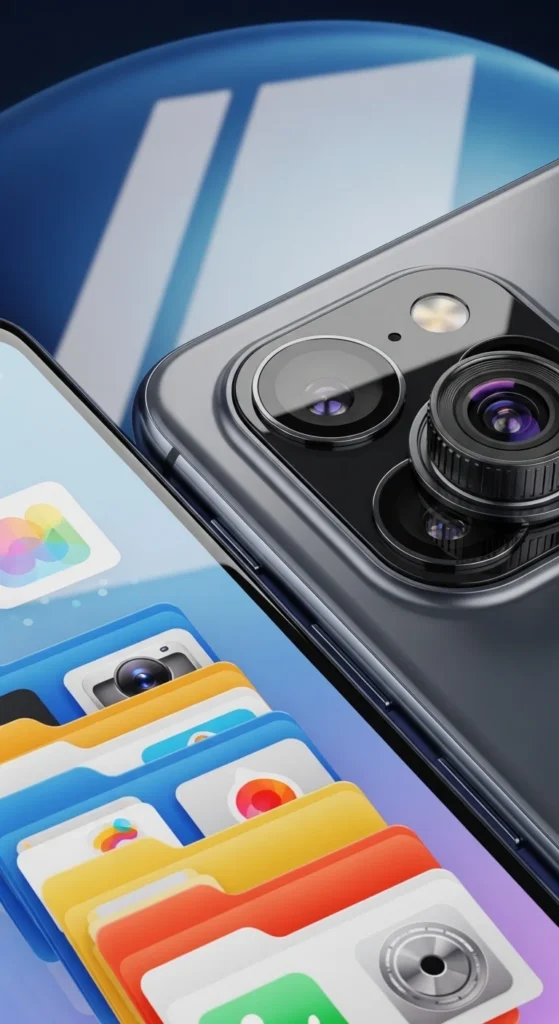
Sort images by feeling.
Open the one that fits your day.
15. Focus Timer Background Board
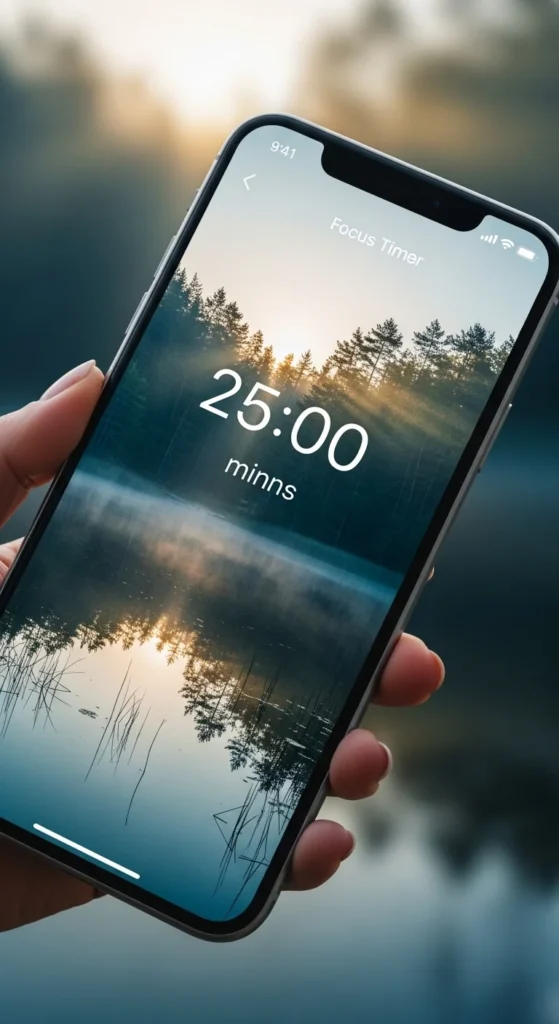
Pair focus sessions with calm visuals.
It supports steady work.
16. Digital Journal Image Pages
Use one page per week.
Images reflect your direction.
17. Email Draft Image Board
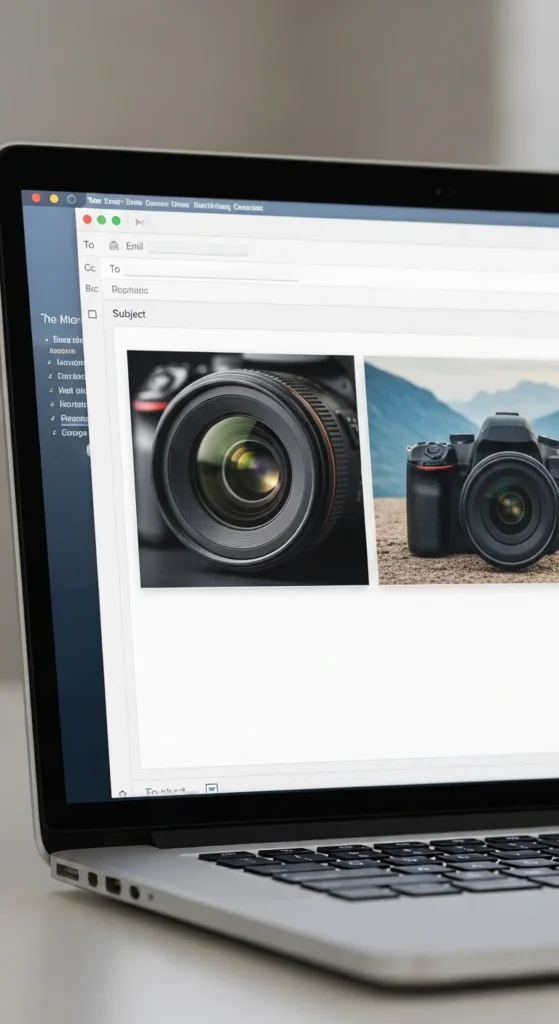
Save image drafts privately.
Open when motivation fades.
18. Music App Background Board
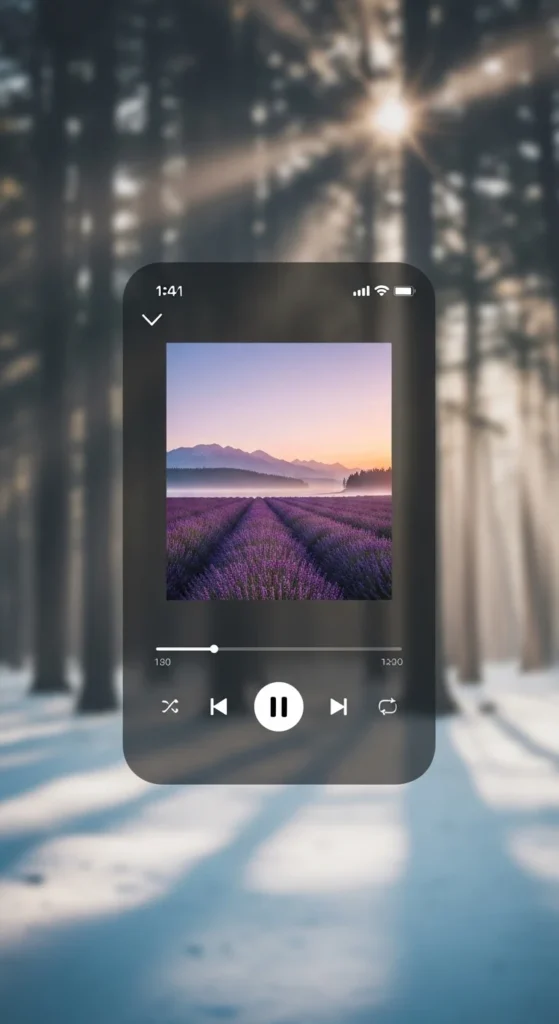
Match images with playlists.
Sound and visuals align mood.
19. Smartwatch Image Board
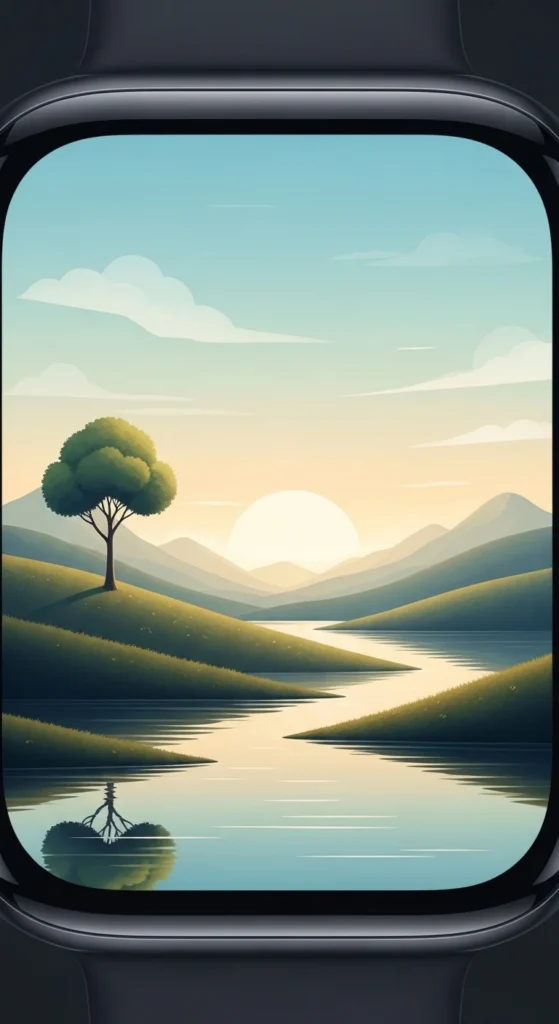
Small screens still guide focus.
Choose one simple image.
20. Travel Folder Board
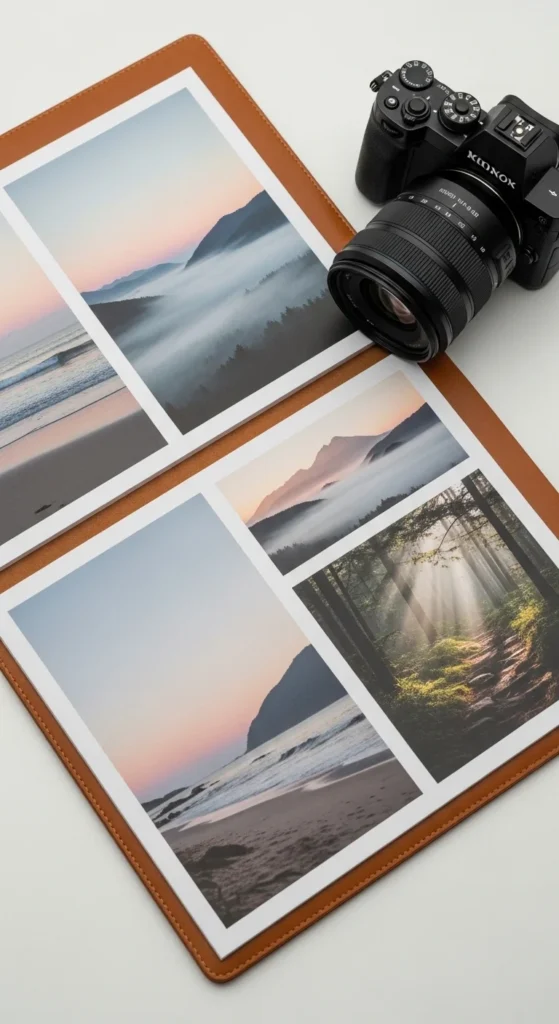
Keep travel dreams realistic.
Focus on feeling, not places.
21. Learning Screen Board
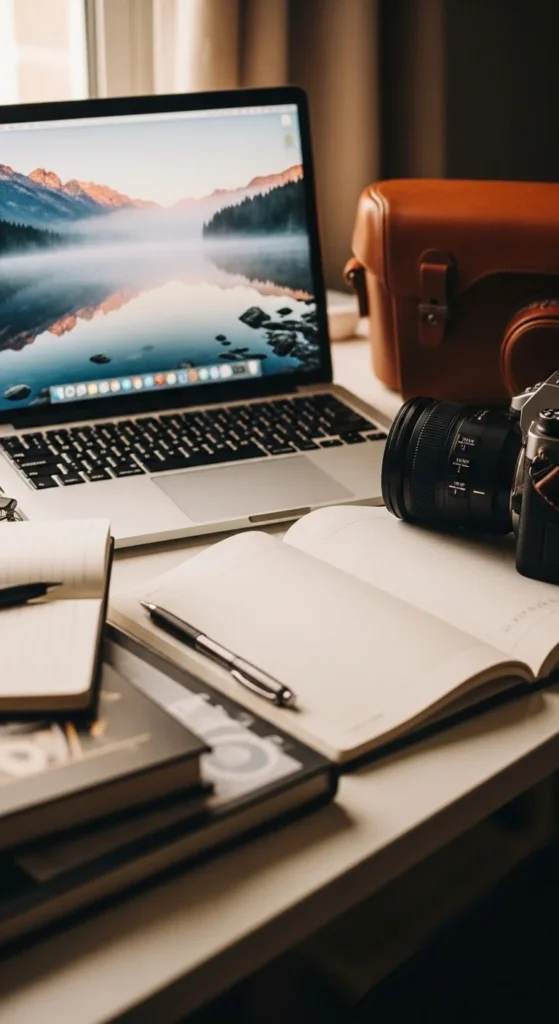
Use images during study breaks.
They reset attention.
22. Work Project Image Board
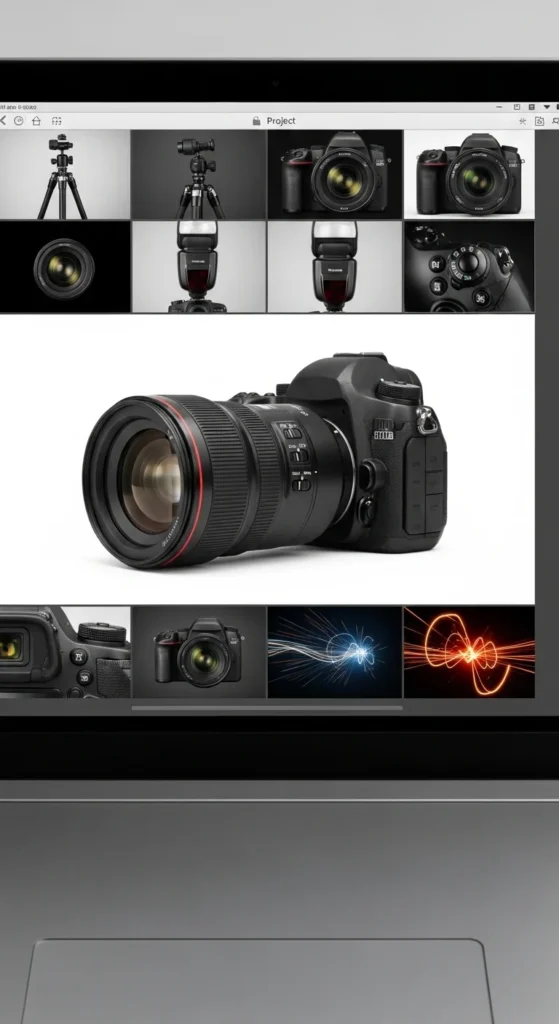
Visual context supports focus.
Keep images relevant.
23. Digital Vision Board Slideshow
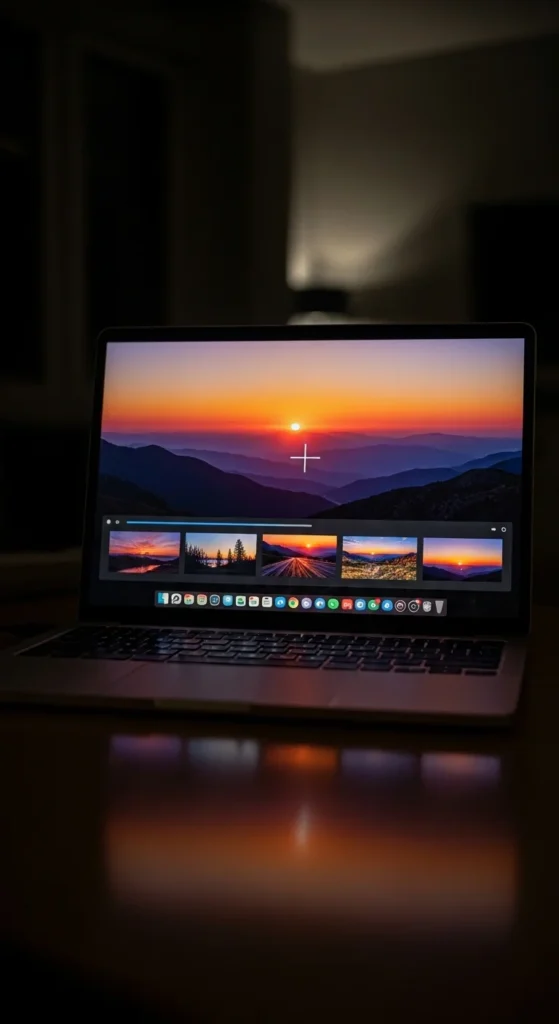
Slideshows work during breaks.
Use slow transitions.
24. Minimal Color Palette Board
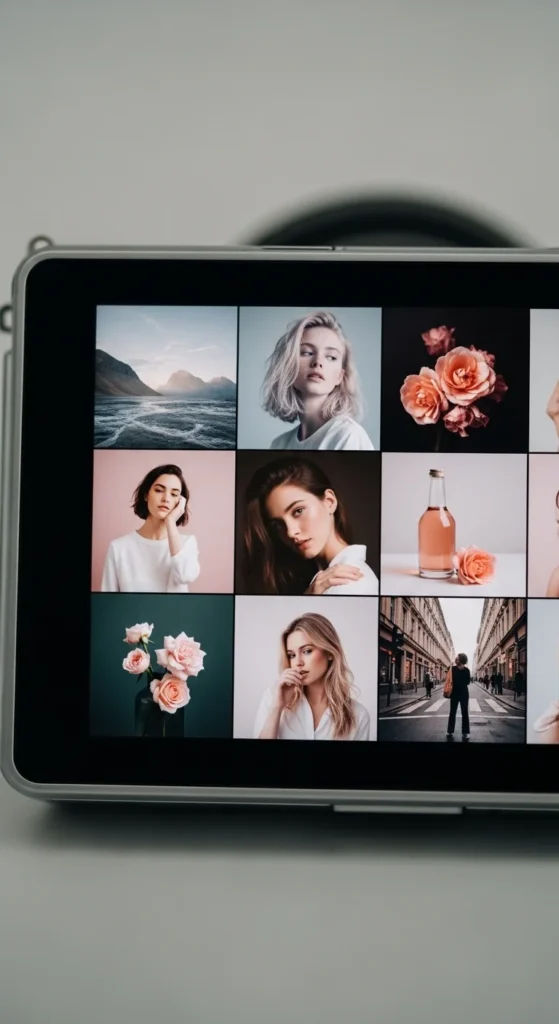
Colors guide mood quickly.
Choose two tones only.
25. Evening Wind-Down Board
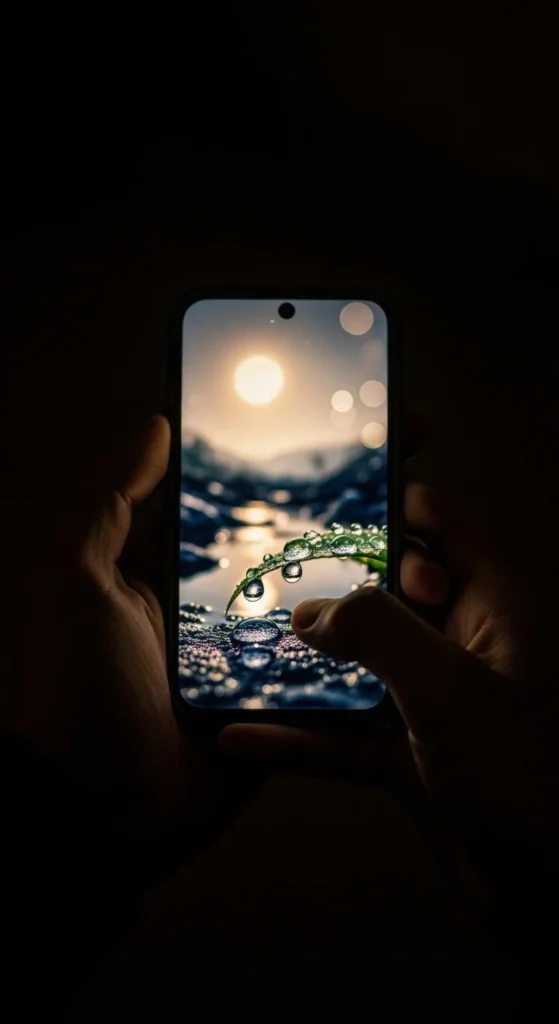
Night visuals affect sleep.
Keep images soft.
26. Morning Start Board
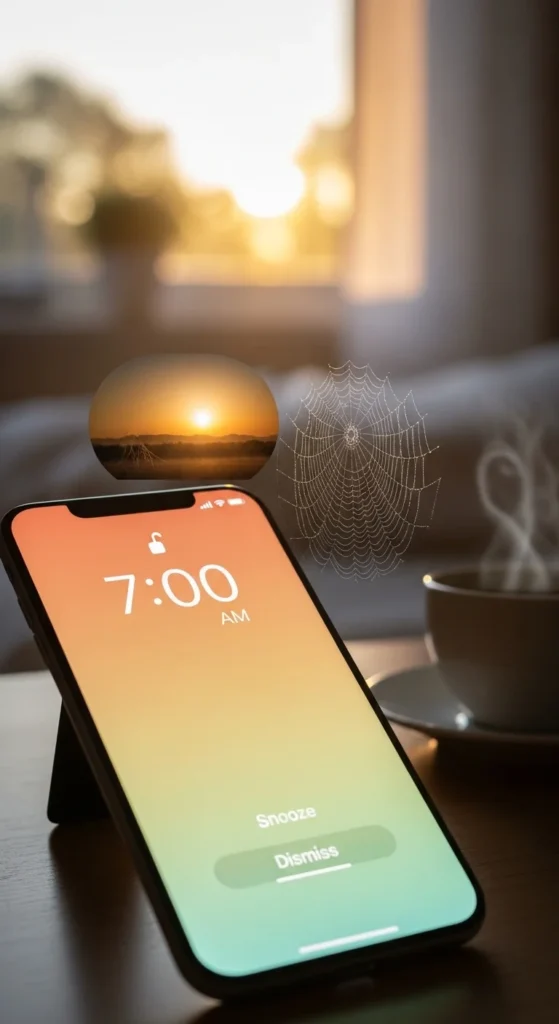
Morning visuals shape the day.
Keep them bright but calm.
27. Progress Image Board
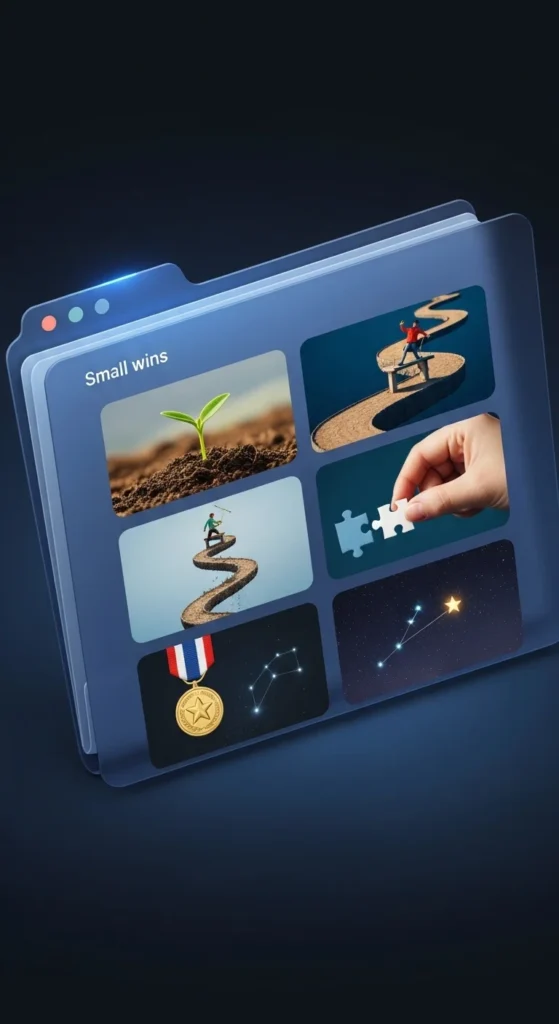
Save images as milestones pass.
Review monthly.
28. One-Image Digital Board
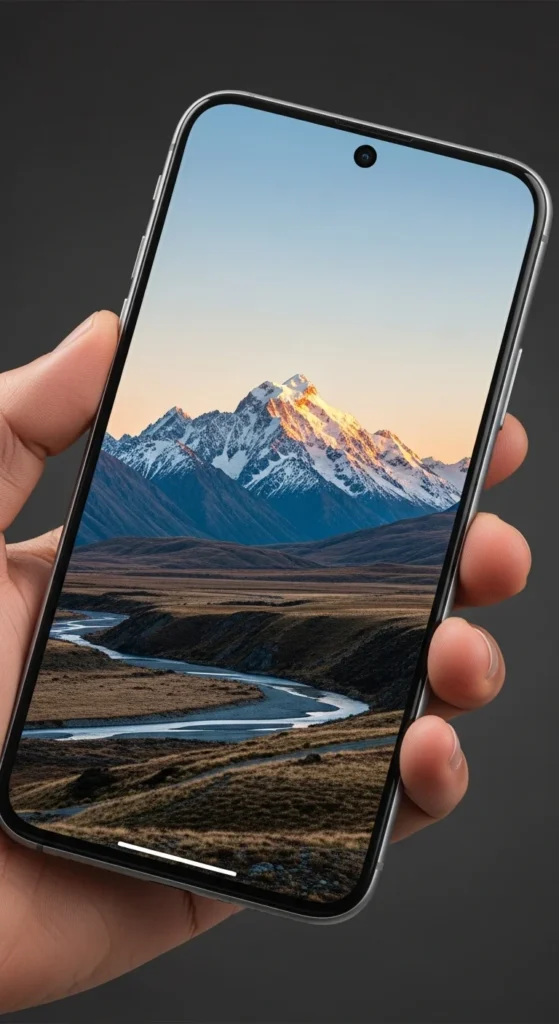
One image can guide focus well.
Change it only when priorities change.
Conclusion
Digital vision boards work because they live where your attention already goes. Phones and laptops keep goals visible without extra effort or cost. These ideas focus on simple setups, calm visuals, and easy updates. Choose one approach that fits your routine. Start small. Keep images clean and meaningful. When your goals stay quietly present on your screens, focus feels more natural and easier to maintain each day.

Leave a Reply