

Looking for a creative side hustle that doesn’t require inventory, shipping, or huge upfront costs? Selling Canva templates online is one of the easiest ways to earn passive income from home. Whether you love designing social media graphics, planners, business cards, or resumes — there’s a growing market ready to pay for your digital creations.

Why Canva Templates Are a Goldmine
Canva has become the go-to tool for entrepreneurs, small businesses, students, and creators. But not everyone has the time or skill to design from scratch — and that’s where you come in.
Here’s why selling templates works so well:
- High demand: From Instagram posts to eBooks, millions of users search for ready-made designs daily.
- Low startup cost: Canva is free to use, and you can create templates without buying fancy software.
- Scalable income: Once you design a template, you can sell it unlimited times.
Think of it as creating digital products once and getting paid over and over again.
Step 1: Choose a Profitable Niche
Before you open Canva, pick a niche that aligns with what people actually search for and buy. A focused niche helps you stand out and attract the right buyers.
Popular Canva template niches include:
- Social Media Kits: Instagram posts, Pinterest pins, carousels, and story templates.
- Business Templates: Invoices, contracts, brand kits, business cards.
- Planners & Printables: Daily planners, budget sheets, meal planners.
- eBooks & Workbooks: Perfect for coaches, teachers, and creators.
- Resumes & Portfolios: Clean, professional designs that job seekers love.
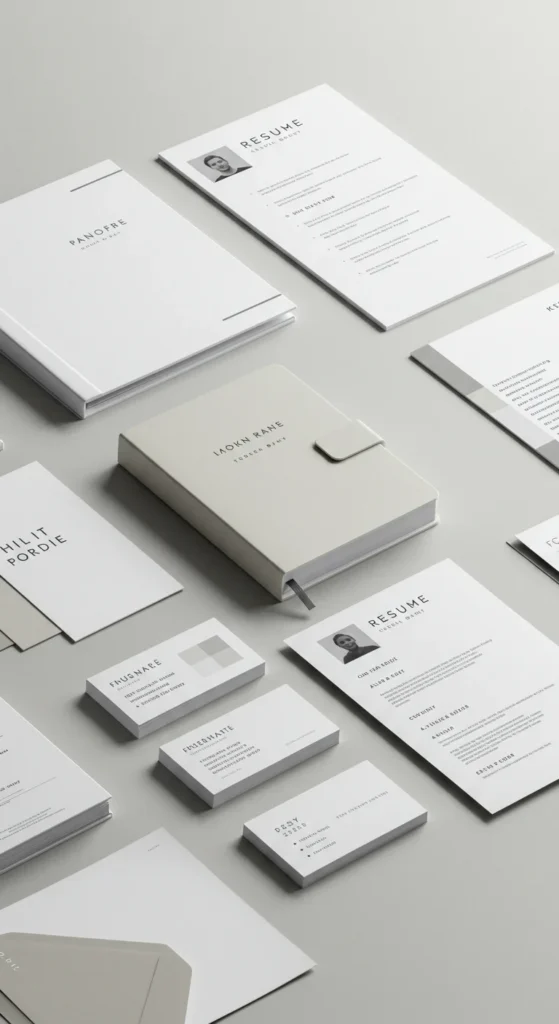
💡 Pro Tip: Check platforms like Etsy and Creative Market to see what’s trending. Look for templates with lots of sales and positive reviews — that’s where the money is.
Step 2: Design High-Quality Templates in Canva
Once you’ve picked your niche, it’s time to design. Canva’s drag-and-drop tools make this super beginner-friendly.
Here are a few design tips:
- Keep it clean: Avoid clutter. Simple, modern layouts sell best.
- Use brandable elements: Choose fonts and colors that are easy to customize.
- Check alignment and spacing: Small design details make your template look professional.
- Save as a template link: Instead of downloading, use Canva’s “Share → Template link” option so buyers can access and edit your design directly.

💡 Pro Tip: Create 1–2 templates first, then expand into bundles. Bundles tend to sell for a higher price and attract business owners looking for a full package.
Step 3: Set Up Your Online Store
You need a platform to showcase and sell your Canva templates. The good news? You don’t need to build a fancy website to get started.
Top platforms include:
- Etsy: Ideal for beginners. You can reach millions of buyers without marketing from scratch.
- Creative Market: Great for more experienced designers.
- Gumroad or Payhip: Simple to set up and perfect for selling via social media.
- Your own website: If you want full control and branding.
Key things to prepare for your listings:
- Eye-catching mockups (show what your template looks like in use)
- Clear descriptions explaining what’s included and how to edit
- Licensing info (e.g., personal vs. commercial use)
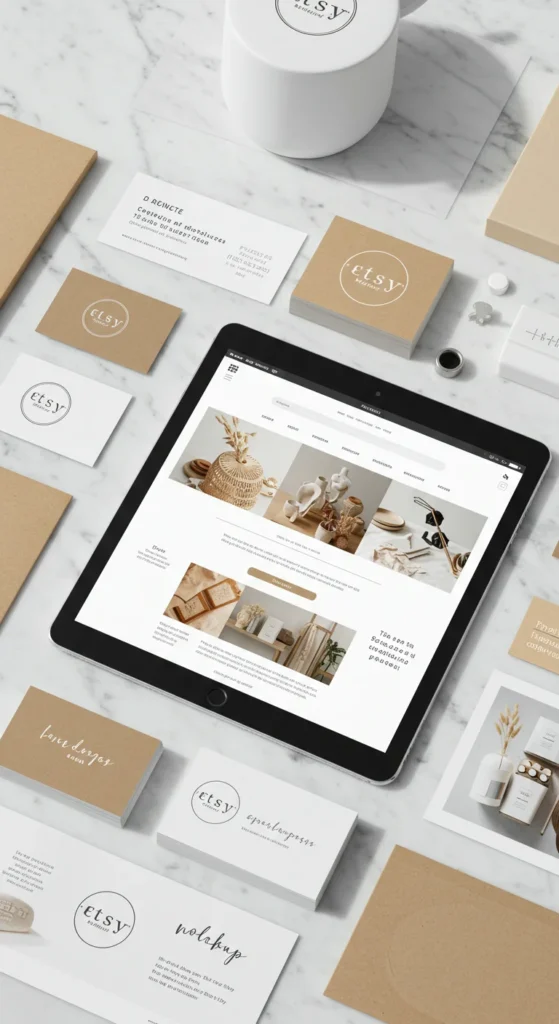
💡 Pro Tip: Offer a short video preview of the template in action. It builds trust and increases conversions.
Step 4: Price Your Templates Strategically
Pricing can make or break your sales. Too high, and buyers click away. Too low, and you undervalue your work.
Typical pricing ranges:
- Single templates: $5–$20
- Bundles: $25–$100+ depending on complexity and number of files
Factors to consider:
- The time you spent designing
- The value the template provides (e.g., business tools vs. simple social posts)
- Market competition on your platform
💡 Pro Tip: Start with a slightly lower price to attract initial buyers and reviews. You can gradually increase it as your shop grows.
Step 5: Market Your Canva Templates
Even with a beautiful template, people won’t buy if they don’t know it exists. Consistent promotion is key.
Marketing ideas:
- Pinterest: Create pins for each template and link back to your shop. Pinterest users love aesthetic designs.
- Instagram Reels & Stories: Show quick design previews and mockups.
- TikTok tutorials: Teach simple Canva tips while subtly promoting your templates.
- Email list: Offer a free mini-template to build subscribers and promote your premium designs later.
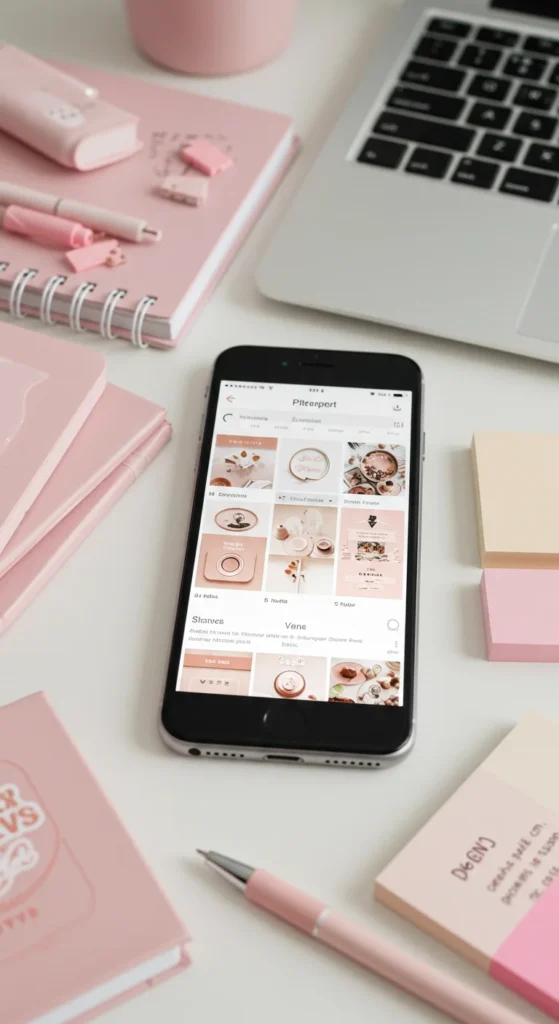
💡 Pro Tip: Use SEO keywords in your Etsy or Pinterest titles and descriptions. For example, “Editable Instagram Carousel Template for Coaches” is more searchable than “Instagram template.”
Step 6: Create Passive Income Systems
The beauty of Canva templates is that once they’re made and listed, they can sell while you sleep. To maximize your earnings:
- Keep adding new templates consistently.
- Update old templates to keep them fresh.
- Automate marketing with Pinterest schedulers or email campaigns.
- Collect customer feedback and use it to improve your designs.
Small, steady steps turn into big monthly payouts over time.
Final Takeaway
Selling Canva templates online is one of the most beginner-friendly ways to build a profitable digital side hustle. With creativity, a bit of strategy, and smart marketing, you can turn simple designs into a steady income stream.

Leave a Reply