

In today’s digital world, resumes aren’t just job documents — they’re personal brands on paper. If you’re creative, detail-oriented, and have a knack for design, you can turn resume-making into a profitable side hustle. Whether you’re creating minimalist templates for professionals or bold layouts for creatives, there’s a market waiting for your designs.
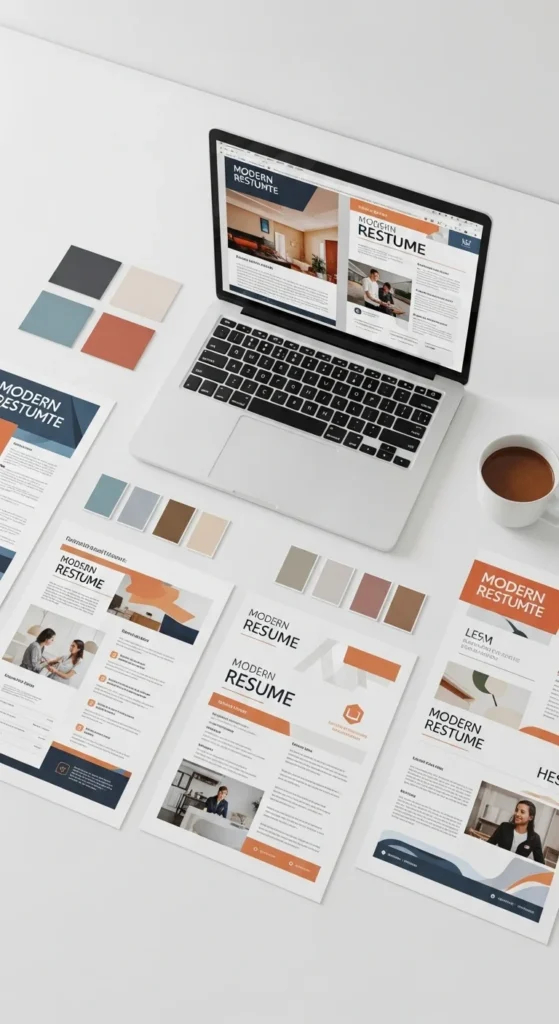
Why Resume Design Is a Growing Business
The job market is competitive, and people know that first impressions matter. Recruiters spend only a few seconds scanning resumes, so design and layout can make or break a candidate’s chances.
That’s where you come in — creating polished, eye-catching templates that help job seekers stand out. From freelancers and students to executives, everyone’s searching for resumes that look professional, modern, and personalized.
Step 1: Choose a Resume Style That Sells
Before you start designing, study what’s trending.
Minimalist and ATS-friendly (Applicant Tracking System) designs are the top sellers because they’re clean, readable, and compatible with most job portals.
Popular styles include:
- Minimalist templates: Simple fonts, subtle color accents, and clean spacing.
- Creative resumes: Ideal for designers, marketers, and photographers — bolder colors and unique layouts.
- Corporate resumes: Professional, elegant, and easy to customize.
Browse marketplaces like Etsy, Creative Market, and Canva for inspiration, and note what kinds of templates get the most downloads.
Step 2: Learn the Right Tools
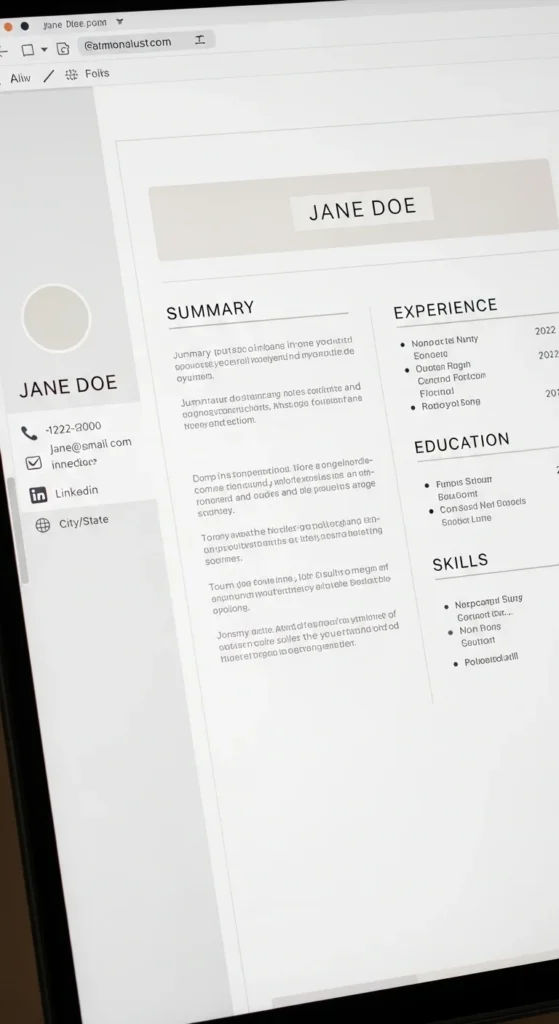
You don’t need expensive software to create stunning resumes. Start with what you already know, then upgrade as you grow.
Beginner-friendly tools:
- Canva: Perfect for drag-and-drop designs.
- Google Docs or Word: Great for simple, printable templates.
Professional tools:
- Adobe Illustrator or InDesign: For detailed, premium designs that command higher prices.
Experiment with typography, spacing, and icons. Use no more than two fonts per template and ensure everything aligns properly — small design details can make your resume templates look premium.
Step 3: Create Editable, User-Friendly Templates
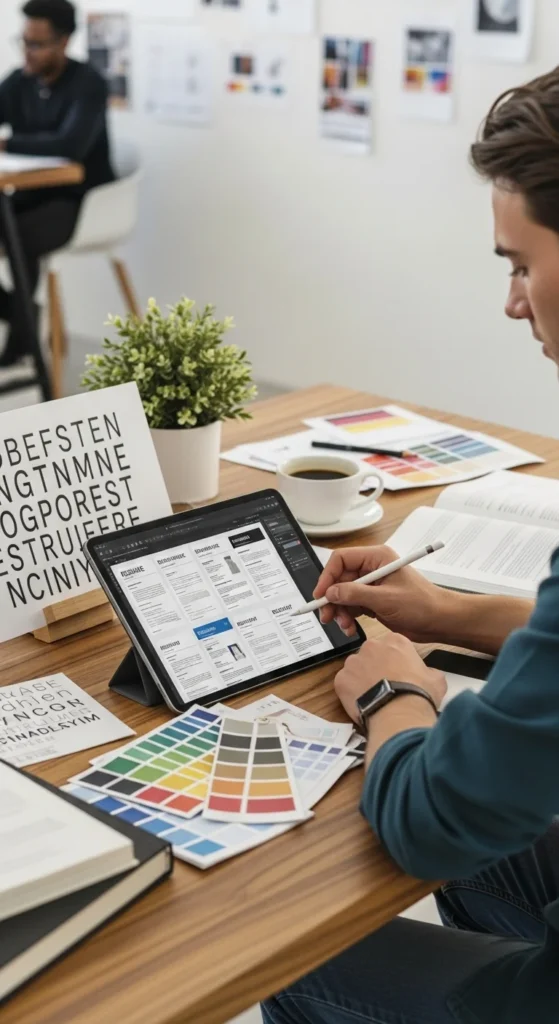
People love designs they can easily customize. When you sell a resume template, make sure buyers can change names, text, and colors without needing advanced skills.
Tips for user-friendly design:
- Include clear text boxes and placeholder text.
- Use consistent spacing between sections.
- Add a cover letter and matching reference sheet to increase value.
- Provide instructions or a short PDF guide on how to edit the file.
Buyers appreciate templates that make editing stress-free — and that’s what gets you glowing reviews.
Step 4: Set Up Your Online Store
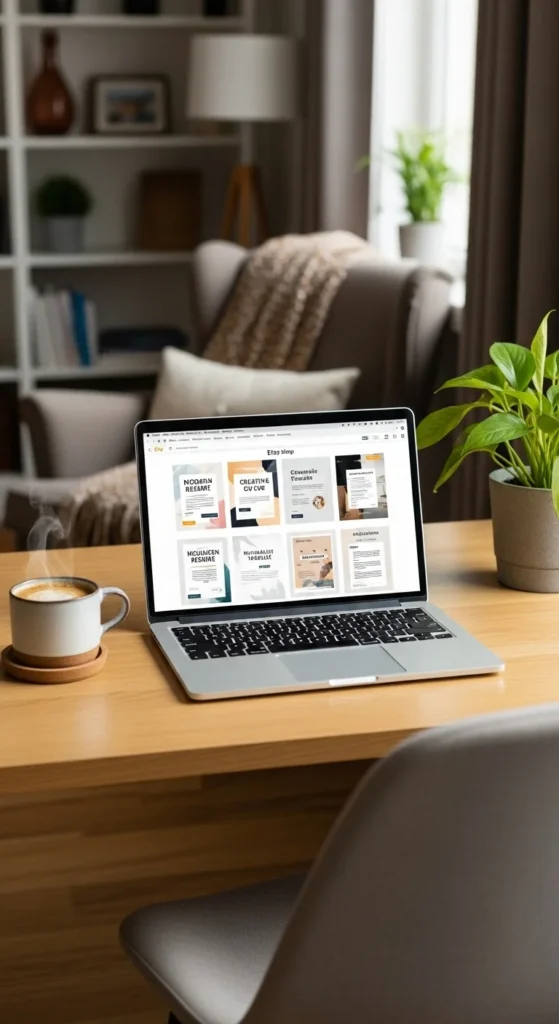
Once your templates are ready, it’s time to start selling. You can upload your designs to marketplaces or build your own digital storefront.
Popular platforms:
- Etsy: Ideal for creative resume designs and digital downloads.
- Creative Market: Great for professional, premium templates.
- Gumroad or Payhip: Perfect for building your personal brand.
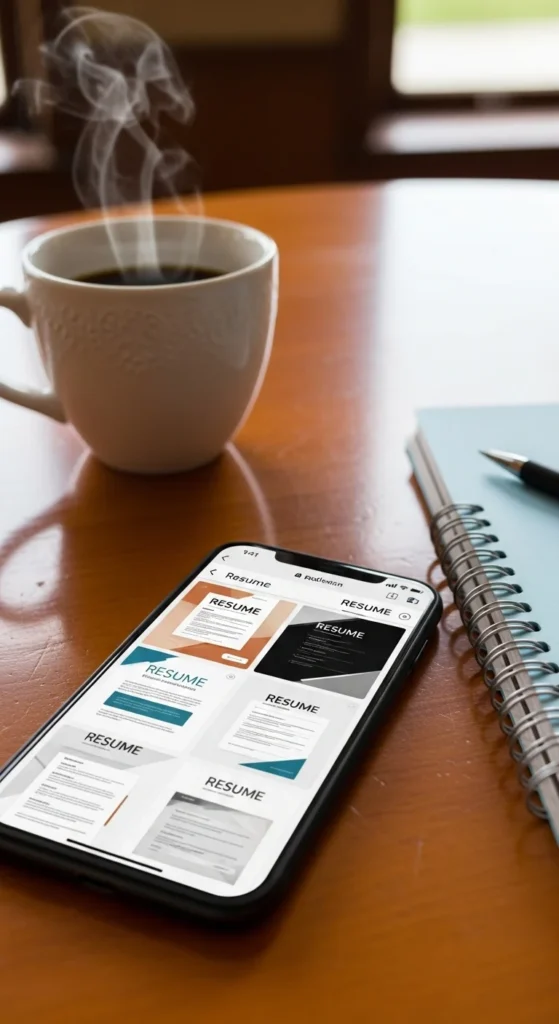
Add mockups showing the resume in use, such as printed pages or laptop screens — visuals help sell your design faster.
Step 5: Optimize for SEO and Sales
To make consistent sales, treat your listings like mini marketing pages. Use keywords that job seekers search for, such as:
- “Modern resume template”
- “ATS-friendly resume”
- “Creative CV design”
- “Editable Word resume”
Add attractive product descriptions that highlight how your template helps people get noticed and hired. Offer bundles (e.g., Resume + Cover Letter + Portfolio Page) to increase your average order value.
Step 6: Market Your Designs Creatively
Don’t just rely on marketplace traffic — promote your products actively.
Ways to market:
- Post resume mockups and tips on Pinterest and Instagram.
- Create a short video showing how easy it is to edit your templates.
- Share client testimonials or “before-and-after” transformations.
- Offer seasonal discounts — like “Back-to-Work January” or “Graduation Sale.”
Marketing turns your small shop into a recognizable brand.
Step 7: Keep Innovating
Trends change quickly — what sells today might fade next month. Keep your catalog fresh by:
- Updating old templates with new fonts and layouts.
- Creating niche-specific designs (teachers, marketers, nurses, etc.).
- Offering Canva or Word versions for flexibility.
- Reading customer feedback and improving your designs.
Regular updates show buyers that your store is active and trustworthy.
Final Takeaway
Designing and selling resumes online is more than a creative hobby — it’s a profitable digital business that helps others succeed. With the right mix of creativity, marketing, and attention to detail, you can turn every template into a steady stream of income.


Leave a Reply