

Being a virtual assistant isn’t about working more hours — it’s about working smarter.
The right tools can save hours every week, reduce stress, and help you look more professional to clients. Instead of juggling scattered apps and manual tasks, you can build a simple tech stack that automates repetitive work and keeps everything organized.
If you’ve ever felt overwhelmed by tools, this guide will help you simplify and choose what actually matters.

Start with a Simple Core Tool Stack
You don’t need dozens of apps to begin. Most beginner VAs can run their business using a few essential tools.
Your core stack:
- Google Workspace → documents, spreadsheets, email
- Canva → graphics, portfolios, client assets
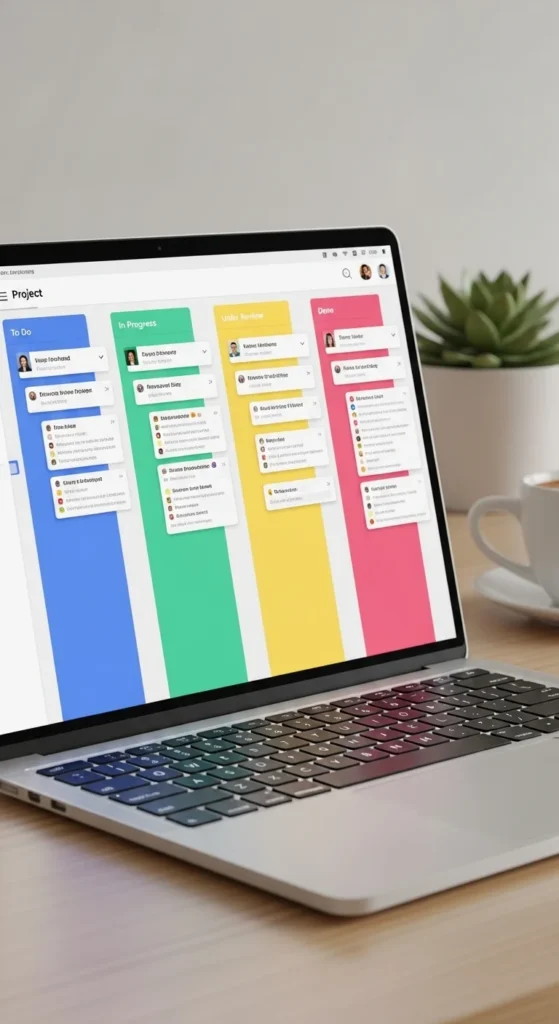
- Trello or Notion → task organization
- Time tracker (Toggl or Clockify) → billable hours
These tools cover about 80% of daily VA work.
Focus on mastering a few tools instead of constantly switching platforms.
Use All-in-One Platforms to Reduce Chaos
As you grow, scattered tools become overwhelming. That’s where all-in-one platforms shine.
Popular options:
- ClickUp
- Notion
- Asana
They combine:
- Tasks
- Notes
- Dashboards
- SOPs
- Client projects
This reduces context switching — one of the biggest productivity killers.
Track Billable Hours Like a Pro
Many VAs undercharge simply because they don’t track time.
Time tracking helps you:
- Understand real workload
- Price packages accurately
- Improve profitability
- Avoid burnout
Best beginner tools:
- Toggl Track
- Clockify
- Harvest
Tip: Aim for 50–70% billable utilization.
This gives space for admin, marketing, and learning.
Automate Repetitive Tasks (This Is a Game Changer)
Automation is where VAs truly start working smarter.
Tools like Zapier or Make connect your apps and remove manual steps.
Examples of automations:
- Form submission → task created automatically
- Client onboarding → folder + checklist created
- Calendar booking → confirmation emails sent
- Meeting → notes saved automatically
Automation reduces mental load and increases consistency.

Improve Communication Without Endless Emails
Client communication can become messy quickly.
Modern VAs rely on:
- Slack or Teams → organized conversations
- Loom → async video explanations
- Zoom → meetings
- Otter.ai or Fireflies → meeting transcripts
Async communication saves time and prevents repeated explanations.
A short Loom video often replaces long emails.
Use AI Tools to Multiply Your Productivity
AI is now part of everyday VA work.
Common AI use cases:
- Writing first drafts
- Summarizing meetings
- Inbox triage
- Research
- Content creation
- SOP creation
Many VAs report significant efficiency gains using AI daily.
Emerging trend: multimodal AI that analyzes documents, screenshots, and workflows.
This is shifting VAs from task executors to workflow managers.
Build a Client Workflow System
Professional VAs don’t just use tools — they design workflows.
Key workflow pieces:
- Client onboarding form (Google Forms)
- Project board template
- Communication channel structure
- File organization system
- SOP library
Tools that help:
- Notion for SOPs
- Dubsado or HoneyBook for CRM
- Calendly for scheduling

Avoid Tool Overload (Most VAs Make This Mistake)
More tools ≠ more productivity.
Signs of tool overload:
- Switching constantly
- Duplicate systems
- Confusion where things live
- Over-complex workflows
Instead:
- Start minimal
- Add tools only when needed
- Replace, don’t stack
- Standardize templates
Clarity beats complexity.
Final Thoughts
The best VA tech stack isn’t the biggest — it’s the simplest one that supports your workflow.
Start with essentials. Add automation. Use AI strategically. Build systems early.
When your tools work for you, your capacity — and income — grows naturally.
Choose one improvement today:
- Set up time tracking
- Create your first automation
- Build a client template
- Test one AI workflow
Small systems create big freedom.
👉 Save this guide and start building your smarter VA workflow today.

Leave a Reply