

If your virtual assistant resume isn’t getting callbacks, it’s usually not your experience—it’s how you’re presenting it. Most resumes fail because they’re generic, keyword-poor, and not optimized for ATS systems that filter candidates before a human even sees them.
The good news? A few strategic changes can instantly improve your chances.
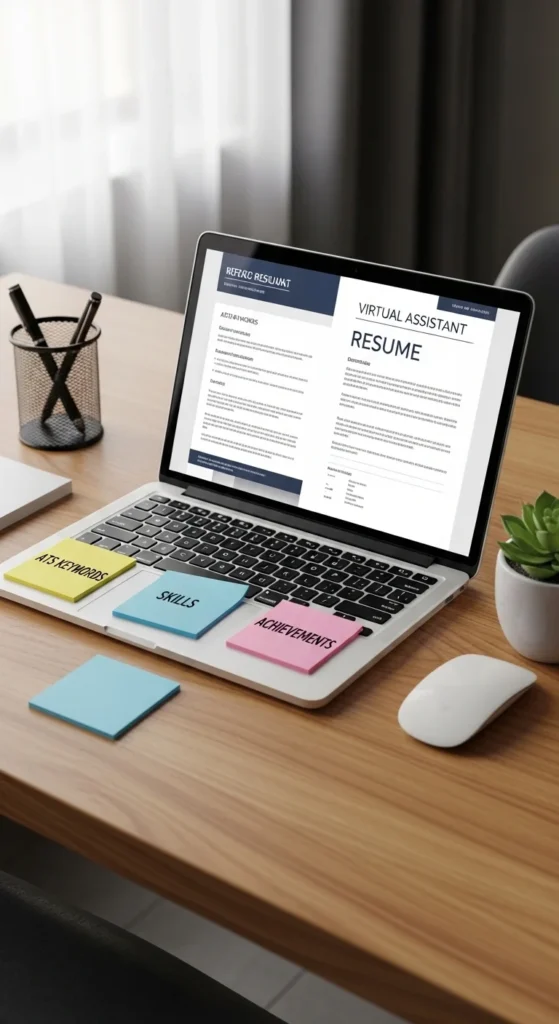
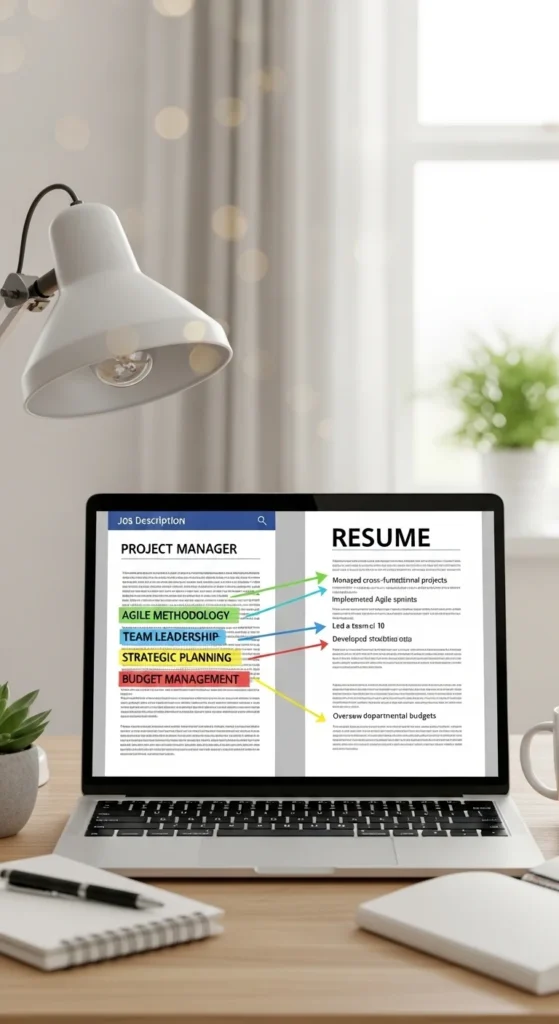
Step 1: Mirror the Job Description (ATS Keyword Hack)
Most companies use Applicant Tracking Systems (ATS) to scan resumes before they reach hiring managers. If your resume doesn’t match the job language, it gets rejected automatically.
To fix this, carefully analyze the job posting and repeat key phrases naturally in your resume.
Focus on keywords like:
- Calendar management
- Email coordination
- Data entry
- Client communication
- Project coordination
This isn’t about copying—it’s about alignment. You’re proving you already speak their language.
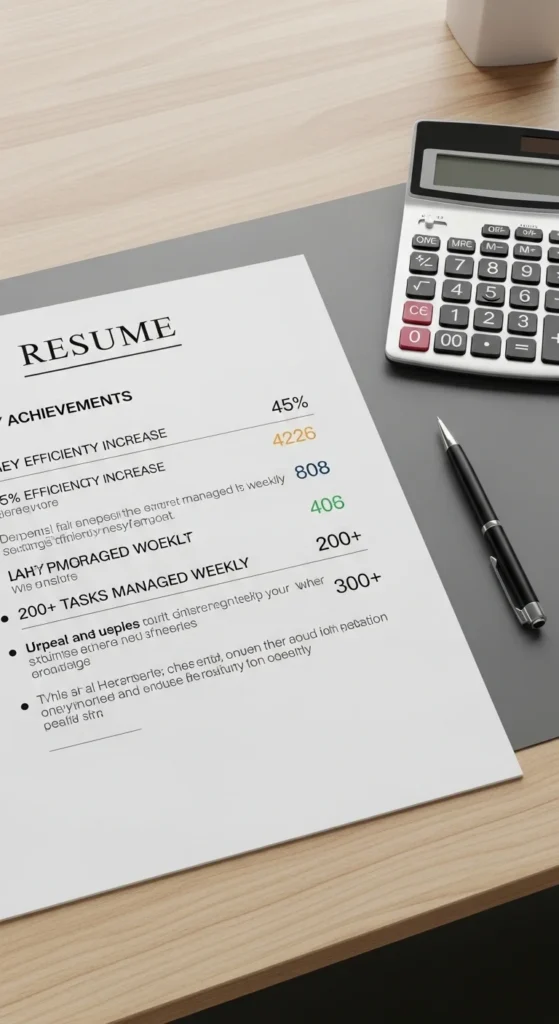
Step 2: Turn Responsibilities Into Measurable Achievements
One of the biggest resume mistakes is listing duties instead of results.
Compare this:
- ❌ Managed email inbox
- ✅ Managed 200+ daily emails, reducing response delays by 40%
See the difference? Numbers create trust.
Try adding:
- Percent improvements
- Time saved
- Volume handled
- Efficiency gains
Even simple metrics make you look more professional and experienced.
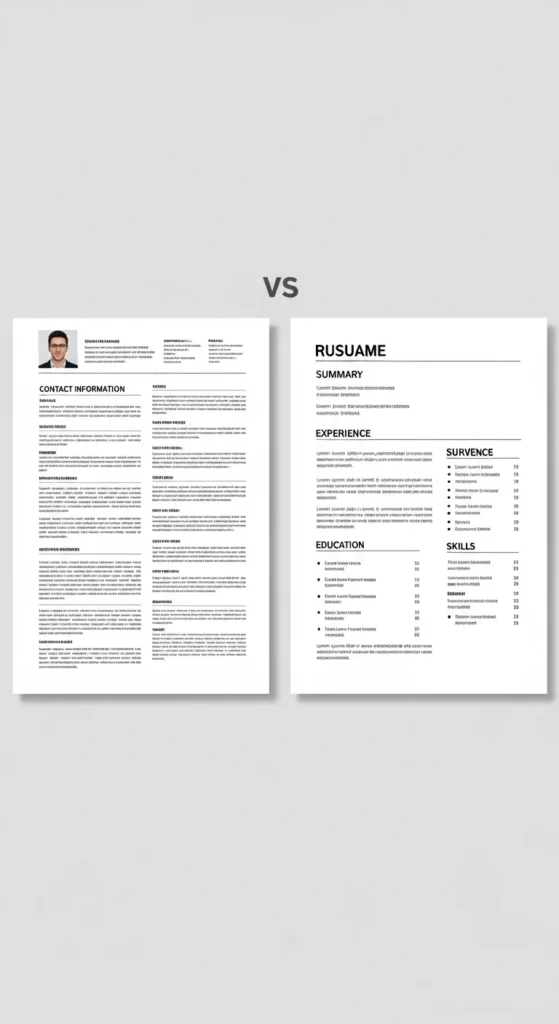
Step 3: Build an ATS-Friendly Resume Format
Design matters—but for resumes, simplicity wins.
To pass ATS filters:
- Use standard fonts like Arial or Calibri
- Avoid tables, graphics, or columns
- Keep sections clearly labeled
- Use simple bullet points
Your goal is readability for both machines and humans.
A clean structure usually includes:
- Professional Summary
- Skills
- Experience
- Education
- Certifications
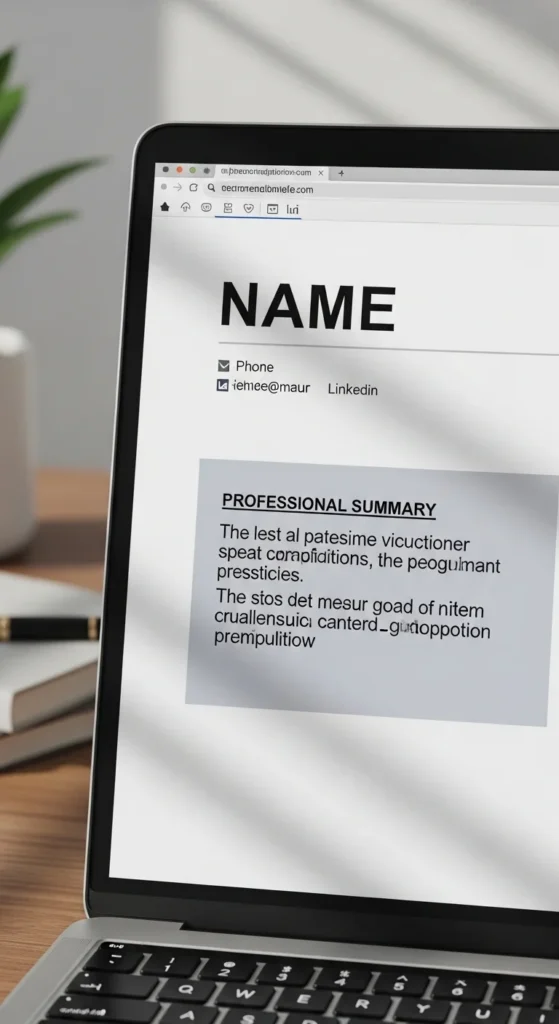
Step 4: Write a Powerful Professional Summary
Your summary is your first impression—it should immediately show value.
A strong 3–5 sentence summary includes:
- Your role (Virtual Assistant)
- Key skills (CRM, scheduling, communication)
- Results or strengths
- Remote readiness
Example style:
“Detail-oriented Virtual Assistant with expertise in calendar management, CRM systems, and client communication. Proven ability to streamline workflows and improve productivity for remote teams.”
Keep it focused, not fluffy.
Step 5: Highlight Transferable and Technical Skills
Even if you’re new, you likely already have relevant skills.
High-value VA skills include:
- Organizational skills
- Time management
- Customer service
- Data entry accuracy
- Google Workspace
- Zoom and communication tools
- CRM platforms
Don’t just list them—show proof in your experience section.
For example:
- “Managed scheduling using Google Calendar for 5+ clients weekly”

Step 6: Use Action Verbs and Freelance Experience Correctly
Your bullet points should sound active and impactful.
Start with strong verbs:
- Managed
- Streamlined
- Coordinated
- Optimized
- Executed
Also, don’t ignore freelance work—it counts as real experience.
Instead of:
- “Freelance VA work”
Write:
- “Supported 3 small business clients with inbox management, scheduling, and admin operations”
This shows real-world impact.

Final Takeaway: Your Resume Is Your Marketing Tool
A virtual assistant resume isn’t just a document—it’s your personal marketing pitch.
To get interviews faster:
- Match keywords to job descriptions
- Use measurable achievements
- Keep formatting ATS-friendly
- Show real impact, not just tasks
- Highlight both skills and tools
When your resume clearly communicates value, you stop competing on experience alone—and start standing out instantly.
Save this guide and update your resume today—you don’t need more experience, just better presentation.

Leave a Reply