

What if your blog posts didn’t just sit there… but actually got discovered?
Imagine hitting “publish” and watching your content climb Google rankings, bringing in clicks, readers, and real growth. That’s the power of SEO—and no, it’s not as complicated as it sounds.
The secret? Small, smart tweaks that make a big difference.

Let’s break down exactly how to use blog SEO tips to rank faster on Google 👇
Start With the Right Keywords
SEO begins before you even write a single word.
You need to know what people are actually searching for.
How to find good keywords:
- Use Google autocomplete
- Check “People also ask” sections
- Explore Pinterest or YouTube search
- Try free tools like Ubersuggest
What to look for:
- Low competition keywords
- Specific phrases (long-tail keywords)
👉 Example:
Instead of “SEO tips” → try “SEO tips for beginner bloggers”
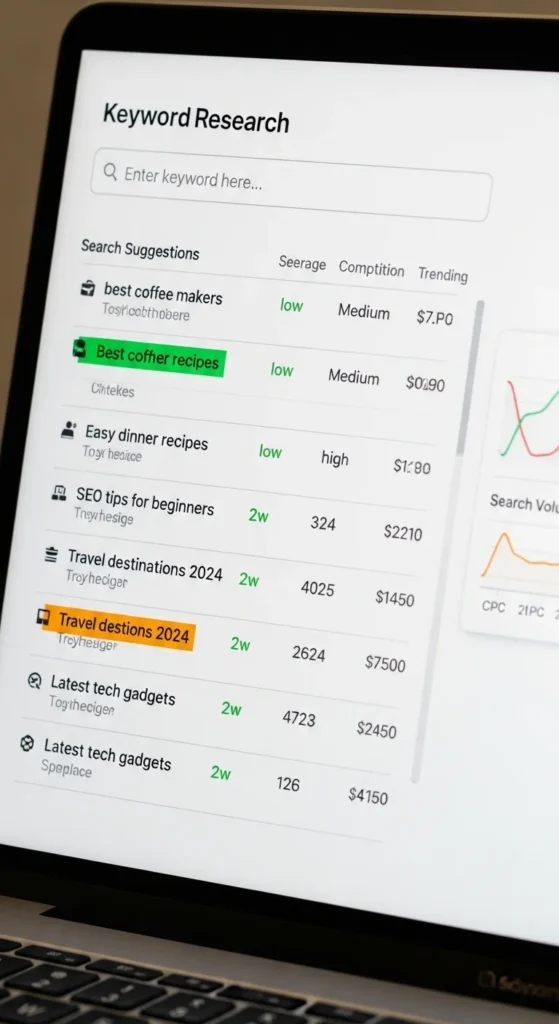
👉 Tip: One main keyword + a few related keywords = perfect balance.
Write Content That Answers Questions
Google loves content that solves problems.
Your goal? Be the best answer on the internet.
Focus on:
- Clear headings
- Simple explanations
- Real value (not fluff)
Ask yourself:
- Does this help someone?
- Is it easy to read?
- Would I stay on this page?
👉 The longer people stay on your blog, the better it ranks.
Optimize Your Blog Post Structure
Think of your blog like a well-organized room—everything should be easy to find.
Use:
- H1 for your title
- H2 for sections
- H3 for subpoints
Keep paragraphs:
- Short (2–4 lines)
- Easy to scan
Add:
- Bullet points
- Lists
- Clear spacing
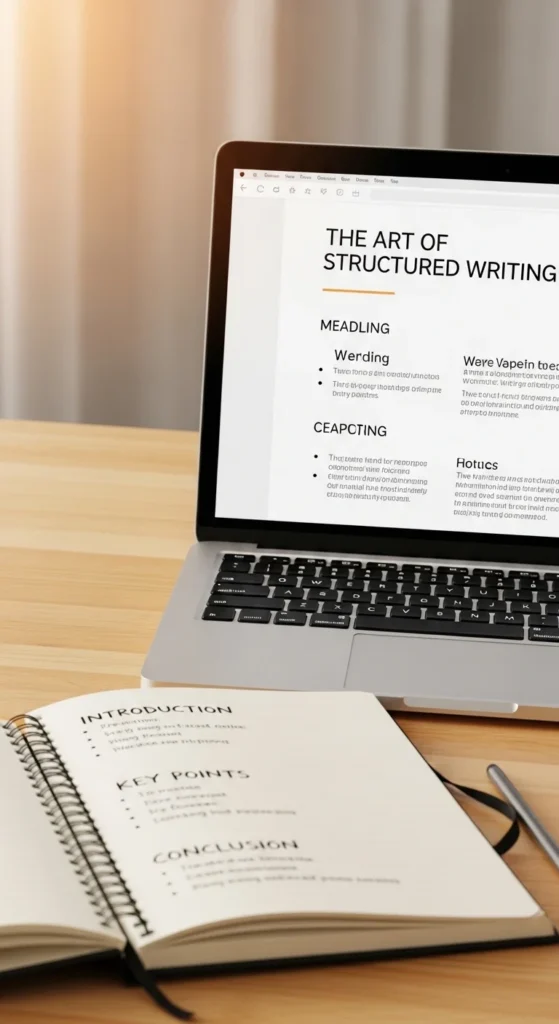
👉 Clean structure = better user experience = higher rankings.
Improve Your On-Page SEO
These are small tweaks that tell Google what your post is about.
Don’t skip these:
- Include your keyword in the title
- Add it in the first 100 words
- Use it naturally in headings
- Write a strong meta description
Also optimize:
- Image alt text
- URL (keep it short and clean)
👉 Example URL:
yourblog.com/seo-tips-for-beginners
👉 Avoid keyword stuffing—keep it natural.
Use Internal and External Links
Links help Google understand your content—and keep readers engaged.
Internal links:
- Link to your own blog posts
- Helps readers stay longer
External links:
- Link to trusted sources
- Builds credibility
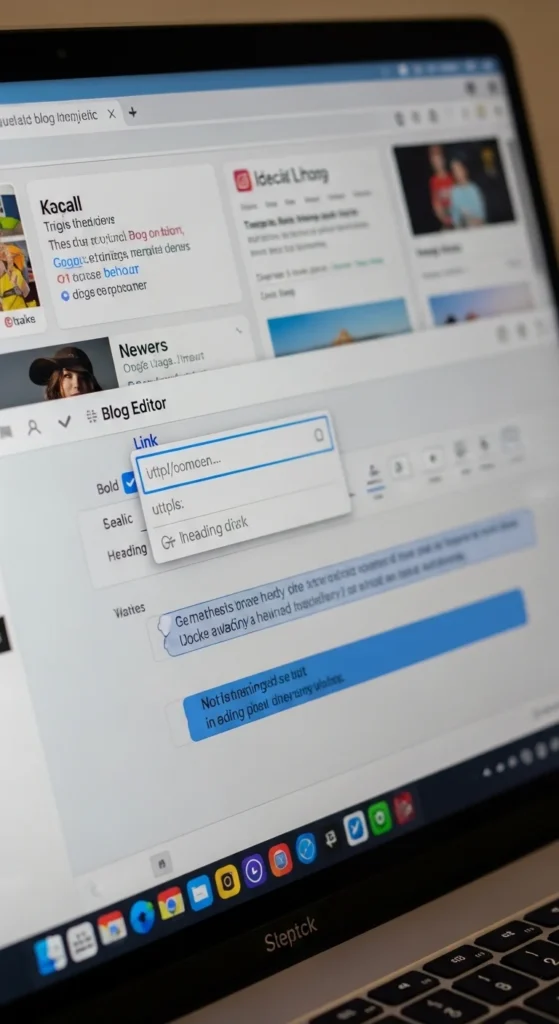
👉 Think of links as pathways guiding your readers.
Make Your Blog Mobile-Friendly
Most people read blogs on their phones.
If your blog isn’t mobile-friendly, you’re losing traffic.
Check:
- Text readability
- Image sizing
- Loading speed
Choose:
- Responsive themes
- Clean layouts
👉 Google prioritizes mobile-first indexing—this is huge.
Speed Up Your Website
Slow blogs = lost visitors.
If your page takes too long to load, people leave—and Google notices.
Ways to improve speed:
- Compress images
- Use fewer plugins
- Choose fast hosting
- Use caching tools
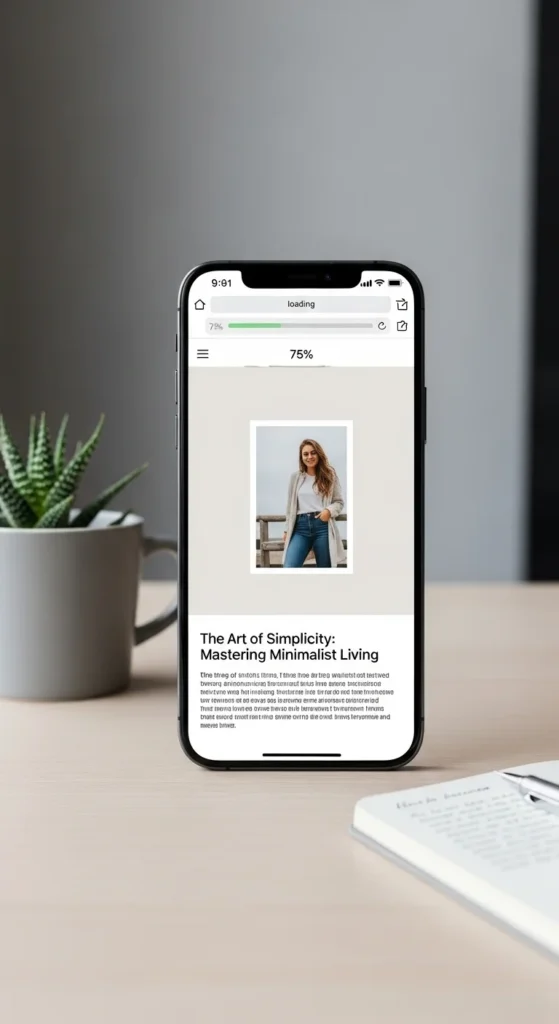
👉 Aim for a load time under 3 seconds.
Be Consistent (This Is Where Most People Fail)
SEO is not instant—but it builds over time.
Stay consistent with:
- Posting regularly
- Updating old content
- Tracking performance
What happens over time:
- More indexed pages
- Higher authority
- Better rankings
👉 Think of SEO like planting seeds—you won’t see results overnight, but they grow 🌱
Bonus Tip: Refresh Old Blog Posts
You don’t always need new content—just improve what you already have.
Update:
- Outdated information
- Keywords
- Images
- Links
👉 Google loves fresh, updated content.
Final Thoughts
Ranking on Google isn’t about tricks—it’s about strategy and consistency.
Focus on:
- Smart keywords
- Helpful content
- Clean structure
- User experience
Start small. Improve with every post.
✨ Your blog has the potential to reach thousands—SEO is how you unlock it.
Save this guide for later and start optimizing your blog today! 🚀

Leave a Reply