

Dreaming of running an online store without packing boxes or managing inventory? That’s exactly why Shopify Print on Demand (POD) is exploding right now. With tools like Shopify, you can launch a store, design products, and let automation handle the rest.
The best part? You can literally wake up to new orders—without touching a single package.
What Is Shopify Print on Demand (And Why It Works)
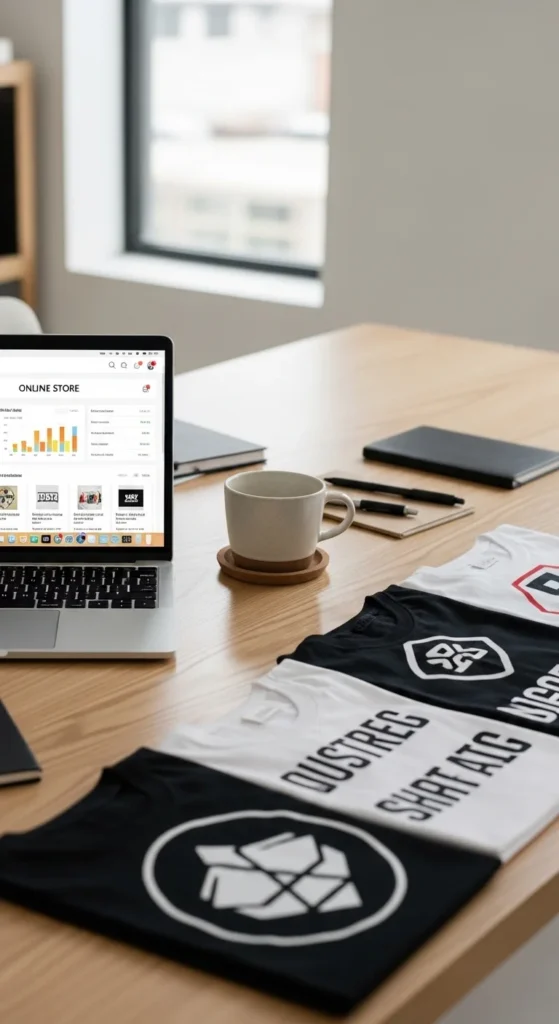
Print on Demand is a business model where products are only created after someone places an order. No inventory, no upfront risk.
With platforms like Printify and Printful, your store connects directly to suppliers who:
- Print your designs
- Pack the products
- Ship them to customers
Why beginners love POD:
- Low startup cost
- No inventory headaches
- Fully automated fulfillment
- Easy to scale
Step 1: Set Up Your Shopify Store
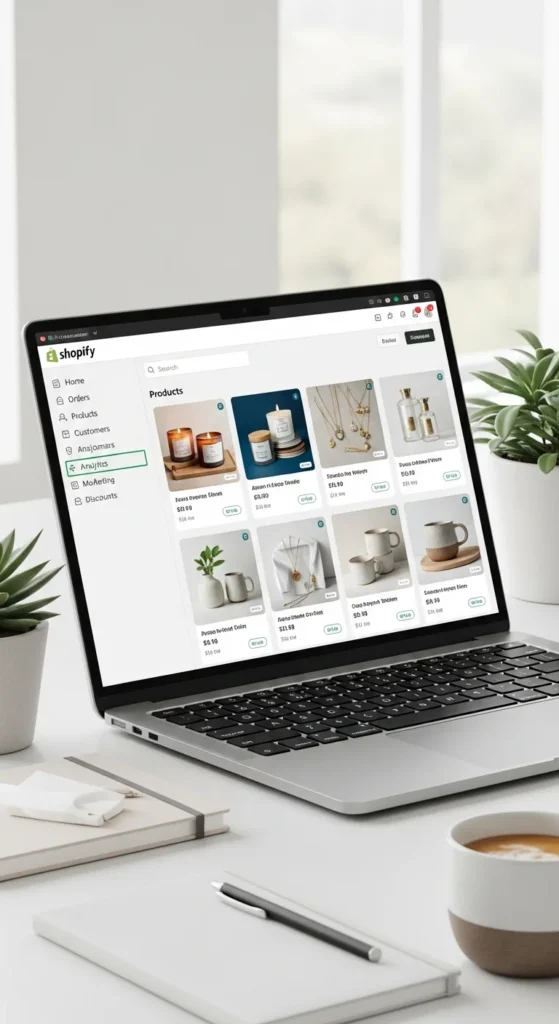
First, create your store on Shopify. Choose a clean, conversion-friendly theme and keep things simple.
Quick setup checklist:
- Pick a niche (fitness, pets, quotes, gifts)
- Choose a simple domain name
- Customize your homepage
- Add essential pages:
- About Us
- Contact
- Shipping & Returns
Step 2: Connect a POD Supplier (The Automation Engine)
This is where automation begins.
Install apps like:
- Printify (great for variety and pricing)
- Printful (known for quality)
What happens after connecting:
- Products sync automatically
- Orders are sent to suppliers instantly
- Shipping is handled for you
💡 Pro Tip: Enable auto-fulfillment so orders process without manual approval.
Step 3: Create Designs That Actually Sell
Your designs are your product—so they must stand out.
Winning design ideas:
- Funny quotes
- Niche-specific humor (gym, cats, gamers)
- Personalized gifts
- Trend-based graphics
Use tools like Canva or AI design generators to speed things up.
Focus on trending products:
- Hoodies (high profit margins)
- Tumblers & mugs
- Phone cases
- Yoga pants

Step 4: Use High-Converting Mockups
People don’t buy products—they buy how products look in real life.
Improve conversions with:
- Lifestyle mockups (people wearing/using products)
- Clean backgrounds
- Realistic lighting
Good mockups can boost conversions by 20–30% or more.
Step 5: Price for Profit (Without Guessing)
Pricing is where many beginners fail—but it’s simple if you follow a formula.
Basic pricing formula:
- Base cost × 2–3 = Selling price
Example:
- Hoodie cost = $15
- Selling price = $30–45
Don’t forget:
- Shipping costs
- Platform fees
- Profit margin buffer
💡 Aim for at least 30–50% profit margin.
Step 6: Automate Your Store Like a Pro
This is where your store becomes passive income ready.
Key automation tools:
- Zapier → Connect apps & workflows
- Order Desk → Advanced fulfillment rules
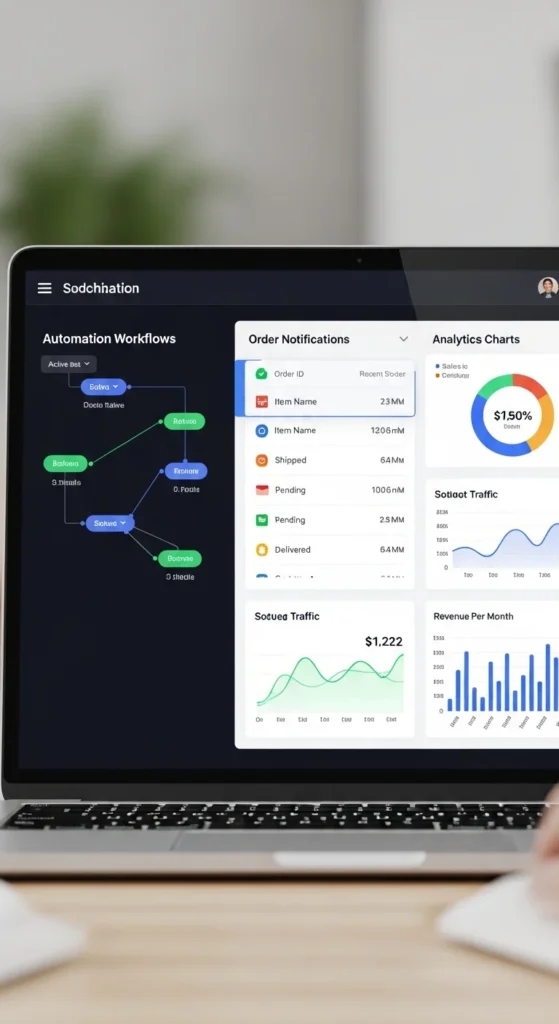
- Shopify built-in automation → Emails, taxes, shipping
What you can automate:
- Order processing
- Email confirmations
- Abandoned cart recovery
- Inventory syncing
Step 7: Optimize Listings for SEO (Free Traffic)
To get sales without ads, your products need to rank.
Use long-tail keywords:
- “Funny gym hoodie for men”
- “Custom cat mug gift”
Optimize:
- Product titles
- Descriptions
- Tags
💡 Think like a buyer: What would you search?
Step 8: Test Before You Launch
Never skip this step.
Place a test order to check:
- Print quality
- Shipping time
- Packaging
- Product accuracy
This prevents bad reviews and refunds later.

Step 9: Scale With Bulk Creation & AI
Once you validate a product—scale it fast.
Use:
- Bulk product creators
- AI-generated descriptions
- Variant automation (sizes/colors)
This allows you to launch 50–100+ products quickly.
Final Thoughts: Build Once, Earn Repeatedly
Shopify Print on Demand isn’t just a side hustle—it’s a scalable online business.
If you follow this roadmap:
- Pick a niche
- Create great designs
- Automate everything
- Focus on SEO
You can turn a simple store into a hands-free income machine.
👉 The key? Start small, stay consistent, and let automation do the heavy lifting.
Save this guide for later—and start building your POD store today! 🚀

Leave a Reply