

Pinterest isn’t just for DIY crafts, recipes, and wedding boards anymore — it’s one of the most powerful platforms for driving traffic and generating income. With over 480 million active users every month, Pinterest is where people go to plan, shop, and take action. Whether you run a blog, online store, or freelance business, mastering Pinterest can turn your pins into serious profit.

Understand How Pinterest Actually Works
Before diving into strategies, it’s key to understand Pinterest’s role. Unlike Instagram or TikTok, Pinterest is a visual search engine, not a social media platform. Users come here to discover, plan, and buy, which means your content can keep bringing in traffic for months—even years—after you post.
A single well-optimized pin can go viral weeks later, creating a snowball effect of clicks and conversions.
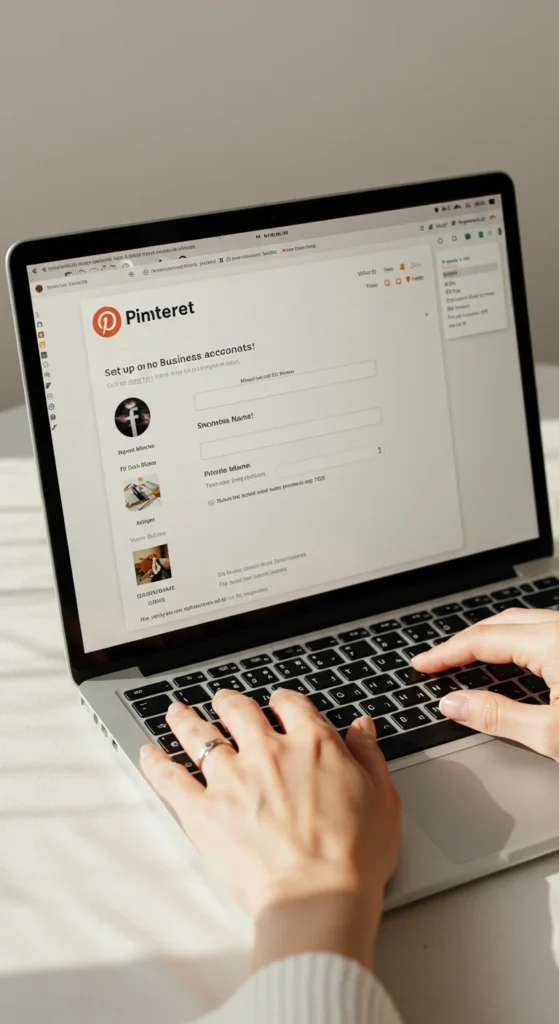
1. Set Up a Business Account (It’s Free!)
If you want to use Pinterest to make money, step one is switching to a Pinterest Business Account. This unlocks powerful tools like:
- Pinterest Analytics – to see which pins are driving traffic
- Rich Pins – to add extra info like prices, titles, and meta data automatically
- Ad Tools – if you ever want to run promoted pins
Here’s a quick setup checklist:
- Create or convert your existing account to a business profile.
- Add your profile photo, bio, and a link to your website or shop.
- Claim your website to boost credibility.
- Enable Rich Pins to make your content look professional and clickable.
2. Create Eye-Catching, Clickable Pins
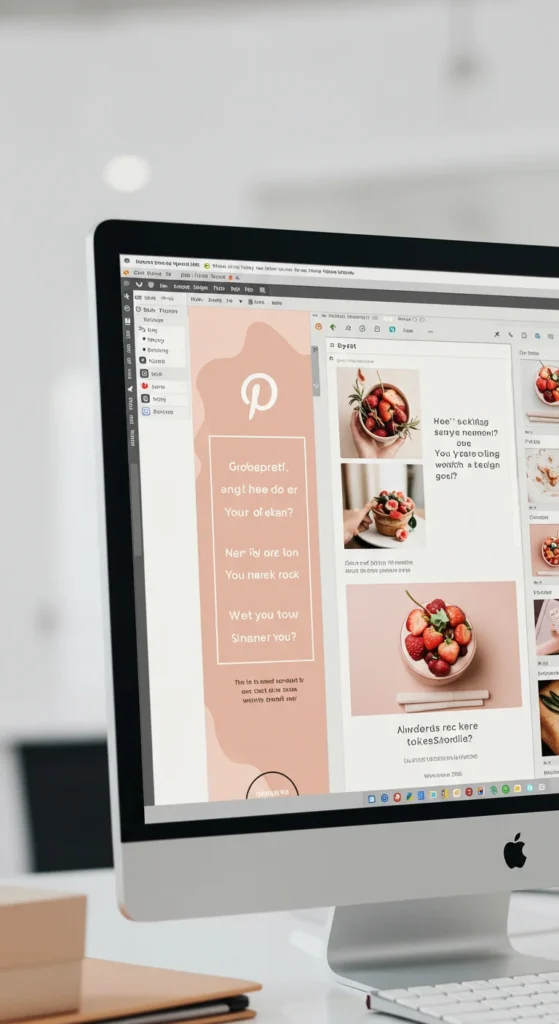
Pinterest is a visual platform, so your pins need to stop the scroll. Even if your content is amazing, weak visuals won’t drive traffic.
Tips for creating scroll-stopping pins:
- Use vertical images (1000 × 1500 px works best).
- Stick to bright, high-quality photos with plenty of space.
- Add text overlays with clear, bold fonts (but avoid clutter).
- Use warm, inviting colors that pop on the feed.
- Keep branding consistent with your fonts and logo.
Canva is perfect for designing pins, even if you’re not a designer.
3. Optimize Your Pins for Search
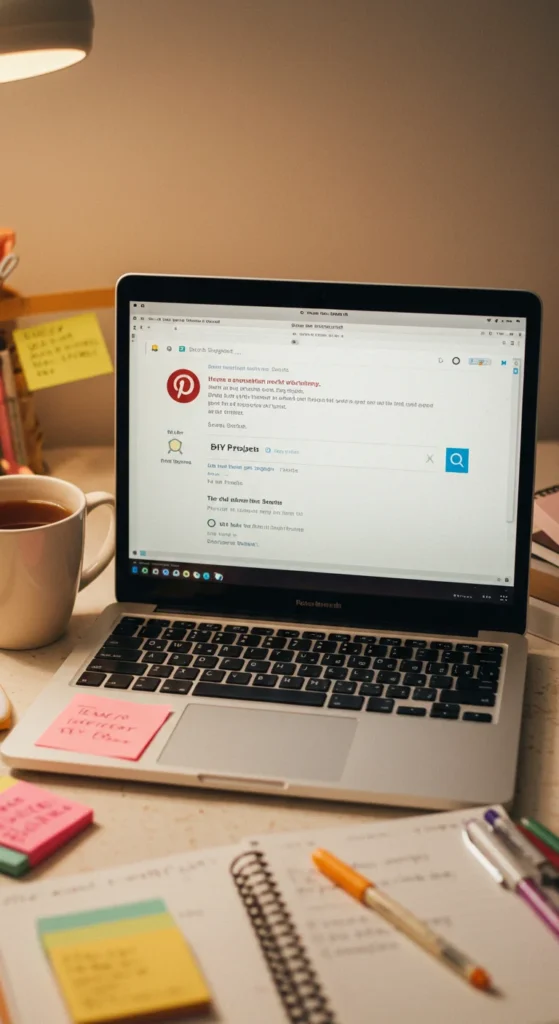
Remember: Pinterest is a search engine. Keywords are everything. Without optimization, even beautiful pins can get buried.
Here’s how to optimize:
- Do keyword research using Pinterest’s search bar—type your topic and see what suggestions appear.
- Add these keywords to:
- Pin titles and descriptions
- Board titles and descriptions
- Image file names (before uploading)
- Pin titles and descriptions
- Use natural language, not keyword stuffing.
- Add relevant hashtags sparingly at the end.
When your pin aligns with what users are searching for, it has a higher chance to appear in feeds and searches—bringing you steady traffic.
4. Link Pins to Valuable Content That Converts
Your pins should lead to something valuable—whether that’s a blog post, product page, landing page, or affiliate offer. The goal is to turn Pinterest browsers into traffic and sales.
Ideas for high-converting content:
- Blog posts with helpful tutorials or listicles
- Free lead magnets (guides, checklists, templates)
- Product listings on your store
- Affiliate product pages with honest reviews
- Service landing pages with strong CTAs
Make sure the link matches the pin’s promise. If your pin says “10 Easy Dinner Ideas,” don’t link to a random homepage.
5. Use Pinterest for Affiliate Marketing
Pinterest is an incredible platform for affiliate marketing, even if you don’t have a website. You can link pins directly to affiliate products (if allowed by the program) or route traffic through your blog or landing pages.
How to do it:
- Choose a niche you love (e.g., home decor, fashion, digital tools).
- Create helpful, visual pins that solve a problem or showcase a product.
- Add your affiliate link or blog link to the pin.
- Include clear disclosures like “This post contains affiliate links.”
Consistent pinning + the right keywords = long-term passive affiliate income.
6. Be Consistent and Use Scheduling Tools
Pinterest rewards consistency. You don’t need to post 50 pins a day, but pinning regularly matters more than sporadic bursts.
Tips to stay consistent:
- Aim for 3–10 pins daily (mix fresh and repins).
- Use scheduling tools like Tailwind or Pinterest’s native scheduler to plan ahead.
- Focus on quality pins, not just quantity.
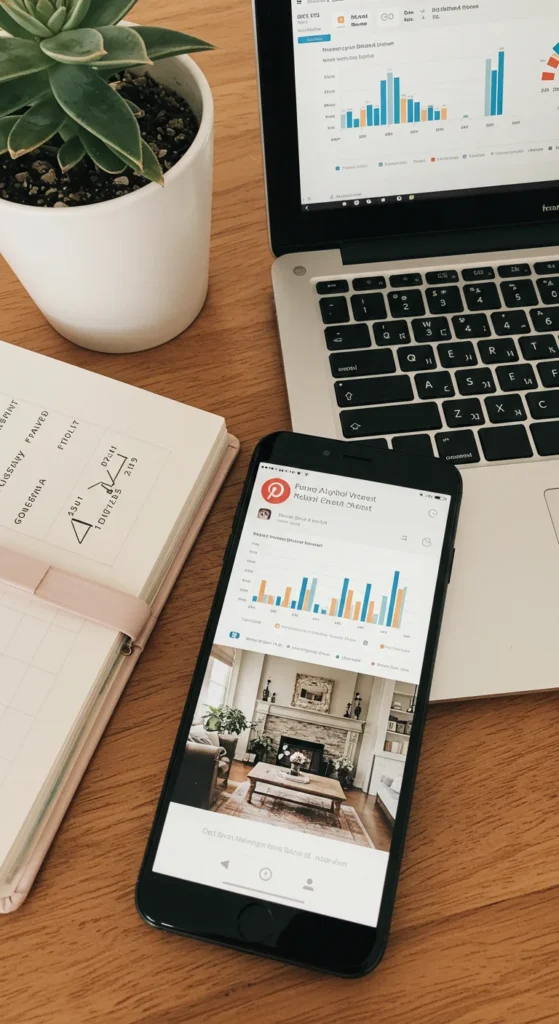
- Analyze your analytics monthly to see what works best.
Over time, consistent pinning builds momentum that keeps bringing traffic long after you hit “publish.”
Final Takeaway: Pinterest Is a Long-Term Traffic Engine
Pinterest isn’t about overnight success — it’s about creating evergreen content that grows with time. With the right strategy, even a small blog or shop can get thousands of monthly visitors and turn pins into profit.

Leave a Reply