

So you’ve heard about print-on-demand… passive income… selling custom products online—and now you’re wondering, “How do I actually start?”
That’s where Printful comes in.
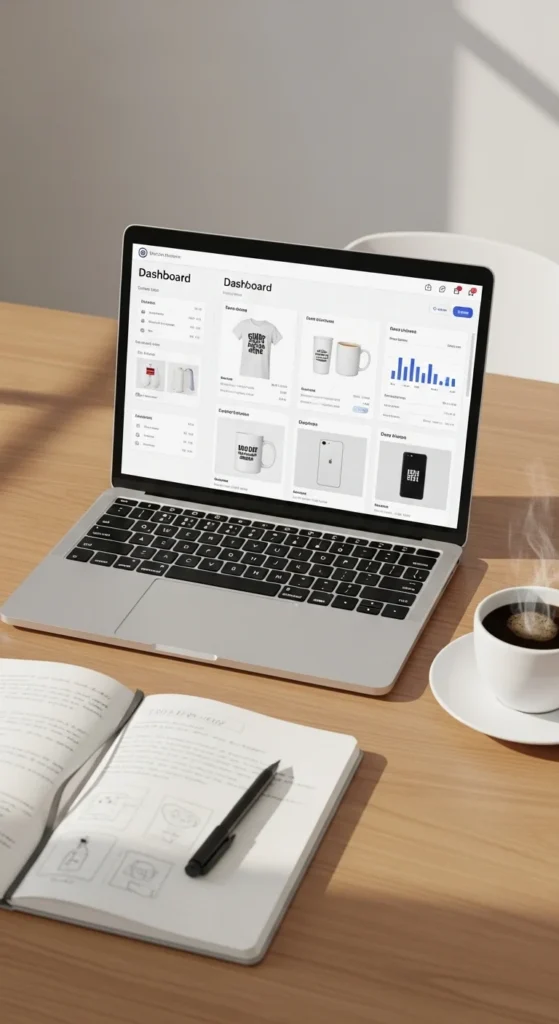
Printful lets you create and sell custom products (like t-shirts, mugs, hoodies) without holding inventory. No packing, no shipping—they handle it all. You just design, list, and sell.
And the best part? You can go from zero to your first product in just a few steps.
Let’s walk through everything you need to know—step by step.
What Is Printful (And Why It’s Beginner-Friendly)?
Before jumping in, here’s a quick breakdown.
Printful is a print-on-demand service that:
- Prints your designs on products
- Ships directly to your customers
- Integrates with online stores (Shopify, Etsy, etc.)
Why beginners love it:
- No upfront inventory cost
- Easy-to-use dashboard
- Built-in mockup generator
- Global fulfillment
💡 You focus on designing and selling—Printful handles the rest.
Step 1: Create Your Printful Account
Getting started is super simple.
Here’s what to do:
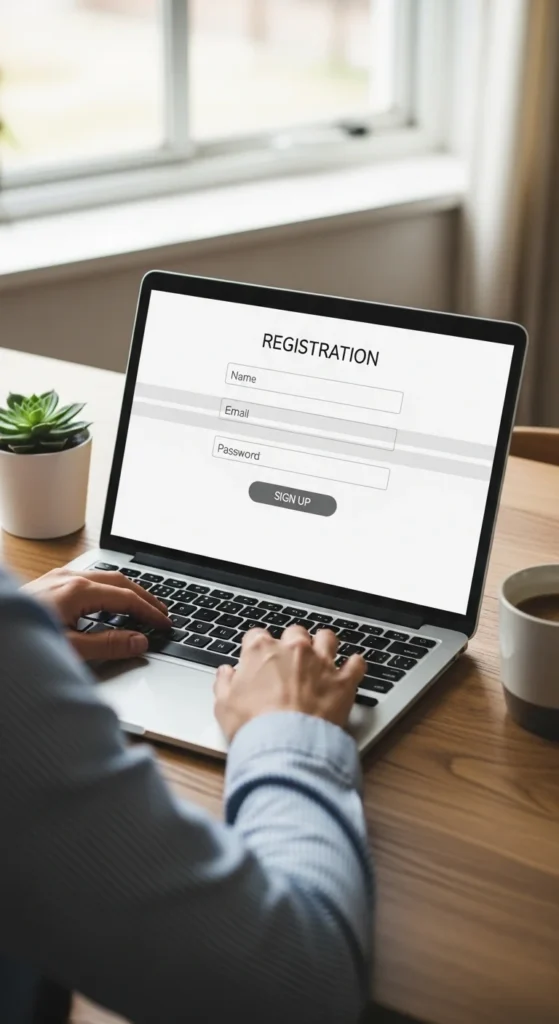
- Go to Printful’s website
- Click Sign Up
- Enter your email and create a password
- Confirm your account
Once you’re in, you’ll land on your dashboard—this is your control center.
Step 2: Connect Your Online Store
Printful works best when connected to a store.
Popular options:
- Etsy (great for beginners)
- Shopify (more control and branding)
- WooCommerce
To connect:
- Go to Stores in your dashboard
- Choose your platform
- Follow the connection steps
💡 If you’re new, Etsy is the easiest way to start selling quickly.
Step 3: Choose Your First Product
Now the fun begins—picking what to sell!
Inside Printful:
- Go to Product Catalog
- Browse categories like:
- T-shirts
- Hoodies
- Mugs
- Tote bags
Start simple:
- Pick 1–2 products
- Focus on popular items like t-shirts
Look for:
- Good reviews
- Affordable base cost
- High-quality material
Step 4: Create Your Design
You don’t need to be a professional designer to start.
You can use tools like:
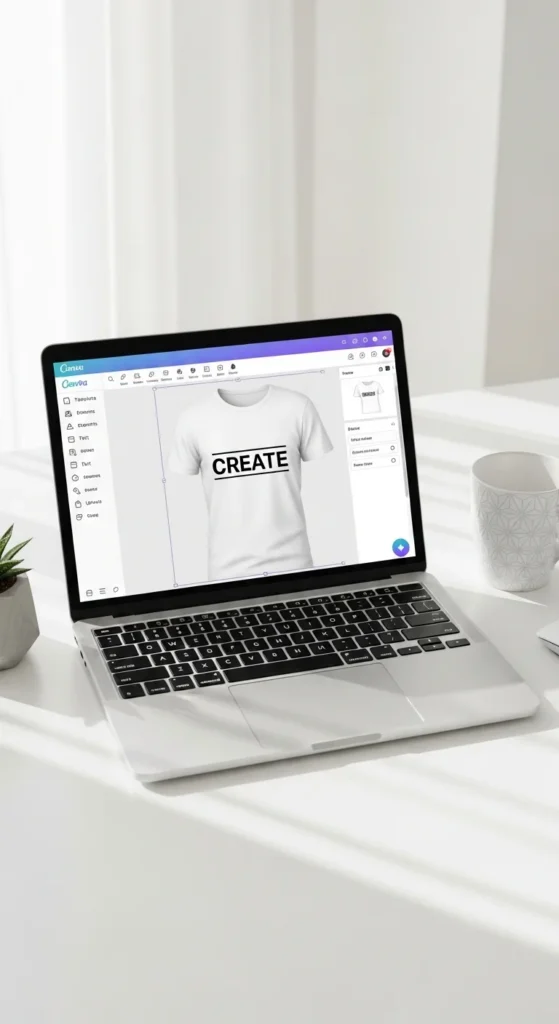
- Canva
- Photoshop
- Free online design tools
Design tips for beginners:
- Keep it simple (text-based designs work great)
- Use bold, readable fonts
- Stick to 1–2 colors
Then upload your design to Printful and place it on your product.
Step 5: Use Printful’s Mockup Generator
This is where your product comes to life.
Printful automatically creates:
- Product images
- Lifestyle mockups
- Different color variations
Why this matters:
- You don’t need photography
- Your store looks professional instantly
Choose mockups that:
- Look clean and realistic
- Match your brand style
Step 6: Set Your Price and Profit
Now it’s time to make money.
Each product has a base price (Printful’s cost). You set your selling price.
Example:
- Base cost: $10
- Selling price: $20
- Profit: $10
Pricing tips:
- Check competitor prices
- Don’t go too cheap
- Leave room for profit
💡 Aim for balance: attractive price + good margin.
Step 7: Publish Your Product
Once everything looks good:
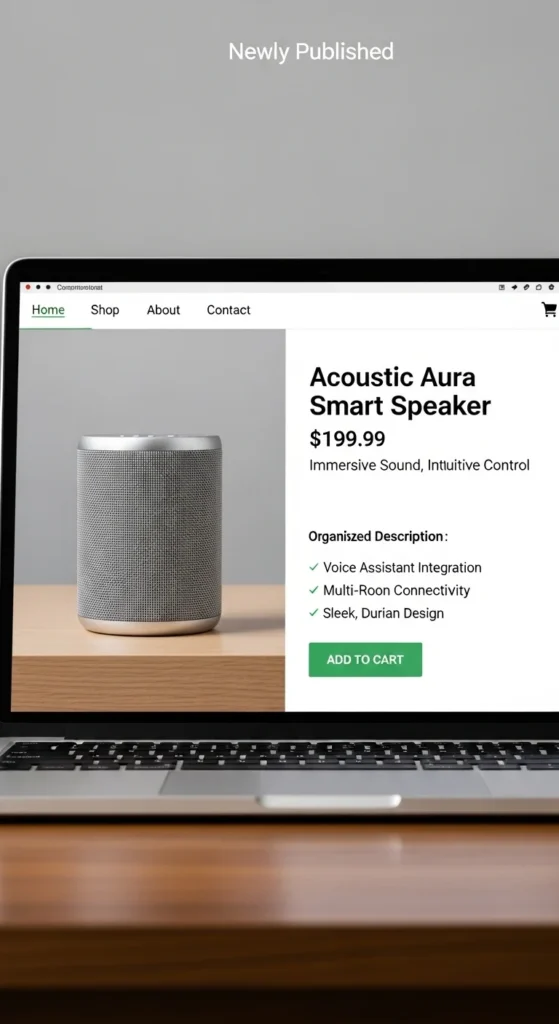
- Add product title
- Write a clear description
- Include relevant keywords
- Click Publish
Your product will now appear in your connected store (like Etsy or Shopify).
Step 8: Start Promoting Your Product
Publishing isn’t enough—you need traffic.
Start with simple promotion:
- Share on Instagram or TikTok
- Post in niche communities
- Use Pinterest for visual products
Content ideas:
- Show your design process
- Create short videos
- Share lifestyle images
💡 You don’t need to go viral—just stay consistent.
Bonus Tips for Beginners
Want to increase your chances of success?
- Start with a specific niche (not general designs)
- Upload multiple designs over time
- Learn basic SEO for product titles
- Keep testing different ideas
The more you experiment, the better your results.
Common Mistakes to Avoid
Let’s keep you on the right track:
- ❌ Overcomplicating designs
- ❌ Choosing saturated niches
- ❌ Ignoring product descriptions
- ❌ Expecting instant sales
Print-on-demand is simple—but it still takes effort and patience.
Final Thoughts: From Setup to First Sale
Using Printful is one of the easiest ways to start an online business today.
You don’t need inventory. You don’t need a warehouse. You just need:
- A good idea
- A simple design
- Consistent effort
Start with one product. Learn the process. Improve as you go.
Your first sale might take time—but once it happens, everything changes.
✨ Save this guide for later and start creating your first Printful product today!

Leave a Reply